Correct the details of a call
Change who made a call, the campaign, the direction or the date after the upload.
- Watch
- Try it
The voice is generated. Subtitles are on; switch them off in the player.
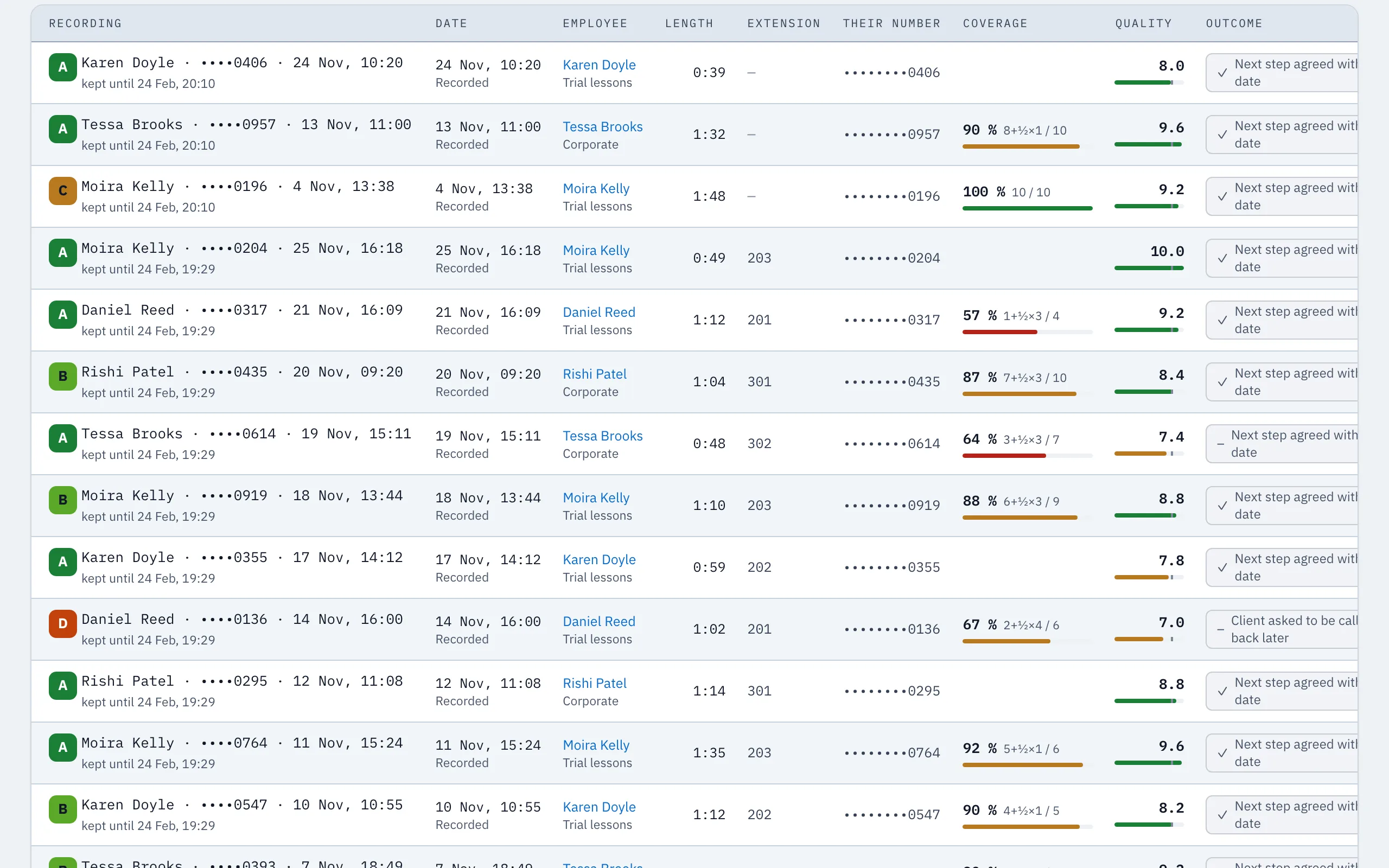
Step 1 of 8Open the call from Recordings.
Click the highlighted spot, as you would in the app. After the first click, the arrow keys work too.
Steps
-
Open the call from Recordings.
-
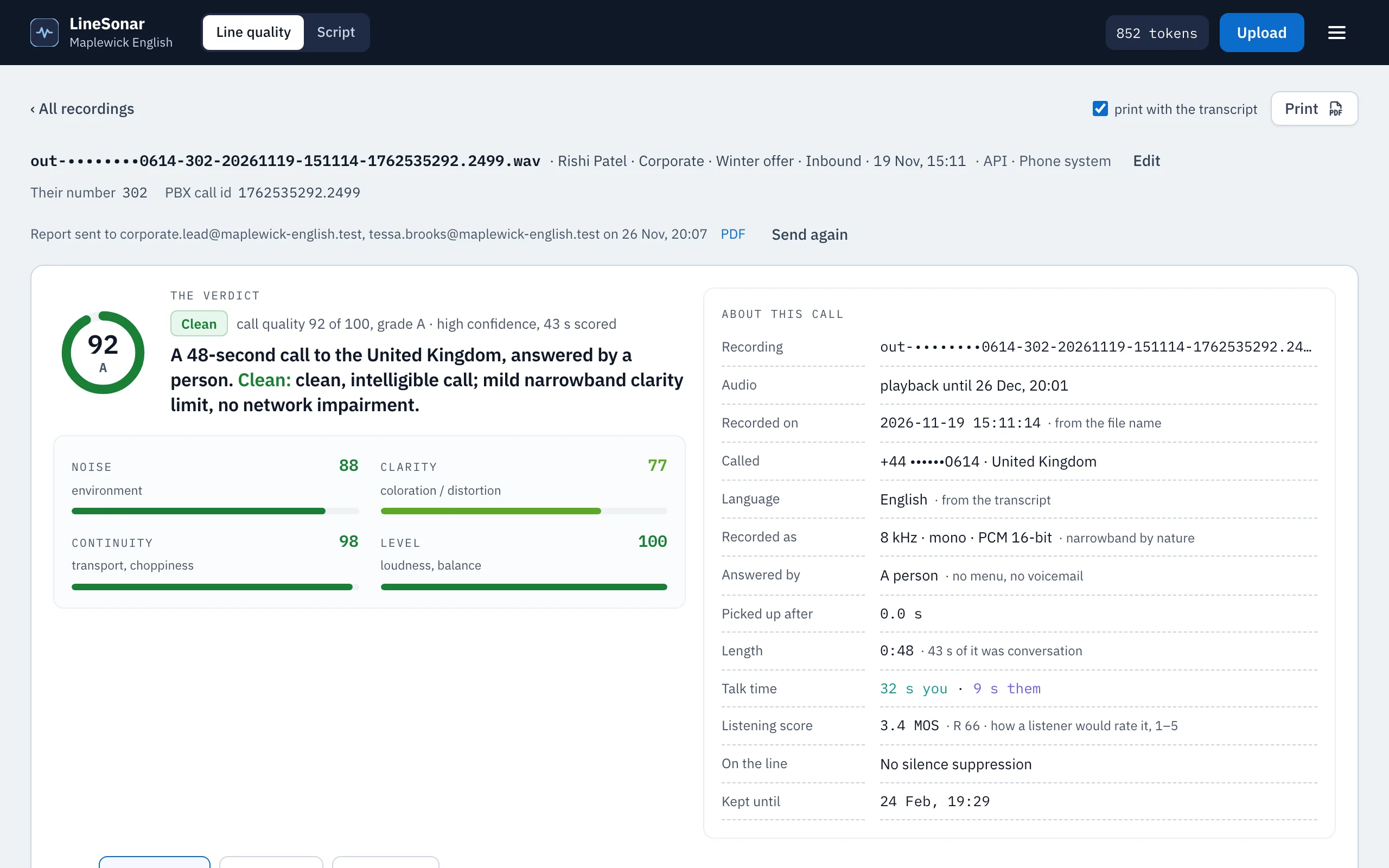
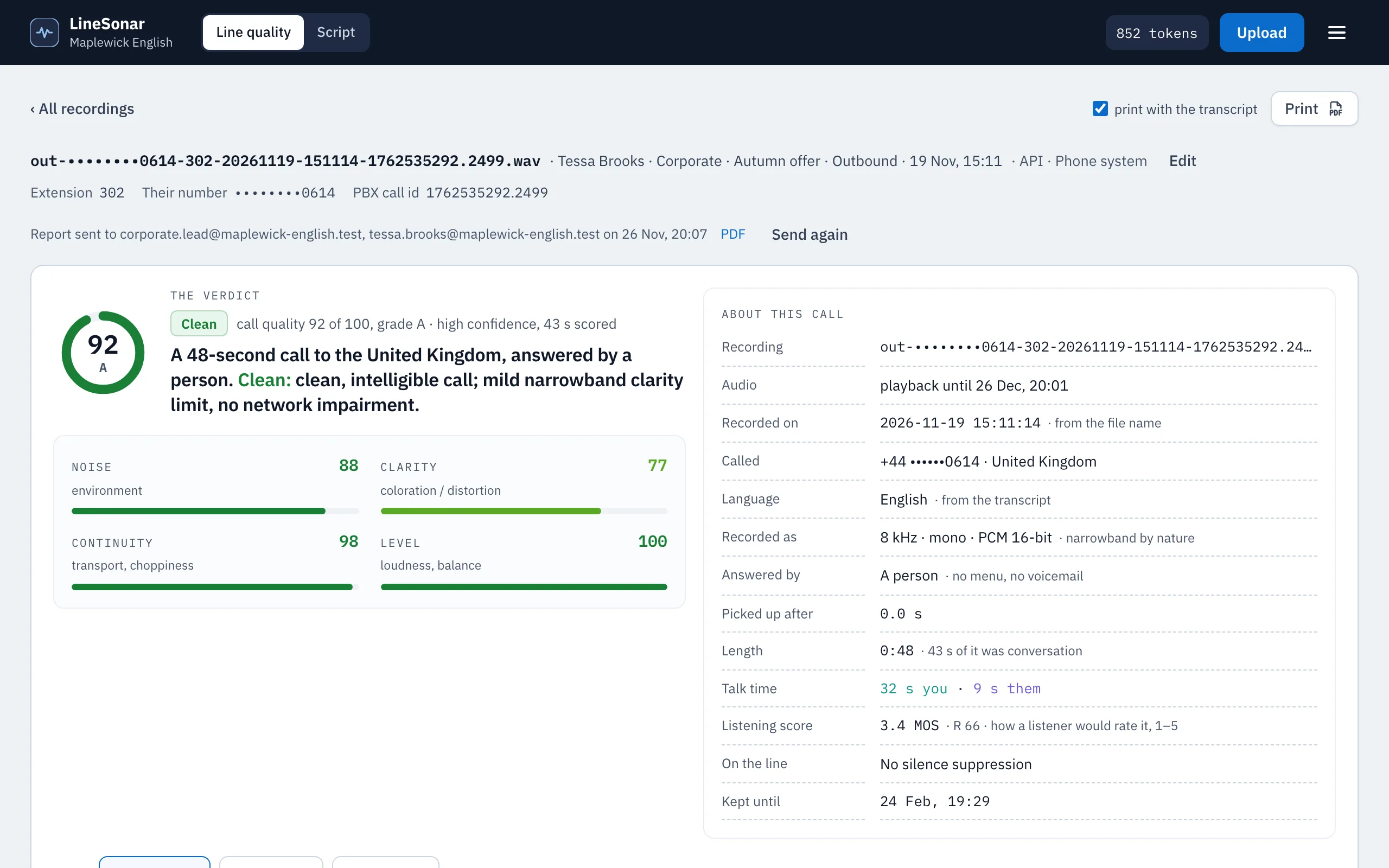
The line under the file name says who made the call, the campaign, the direction and the date. Click Edit to correct it.
-
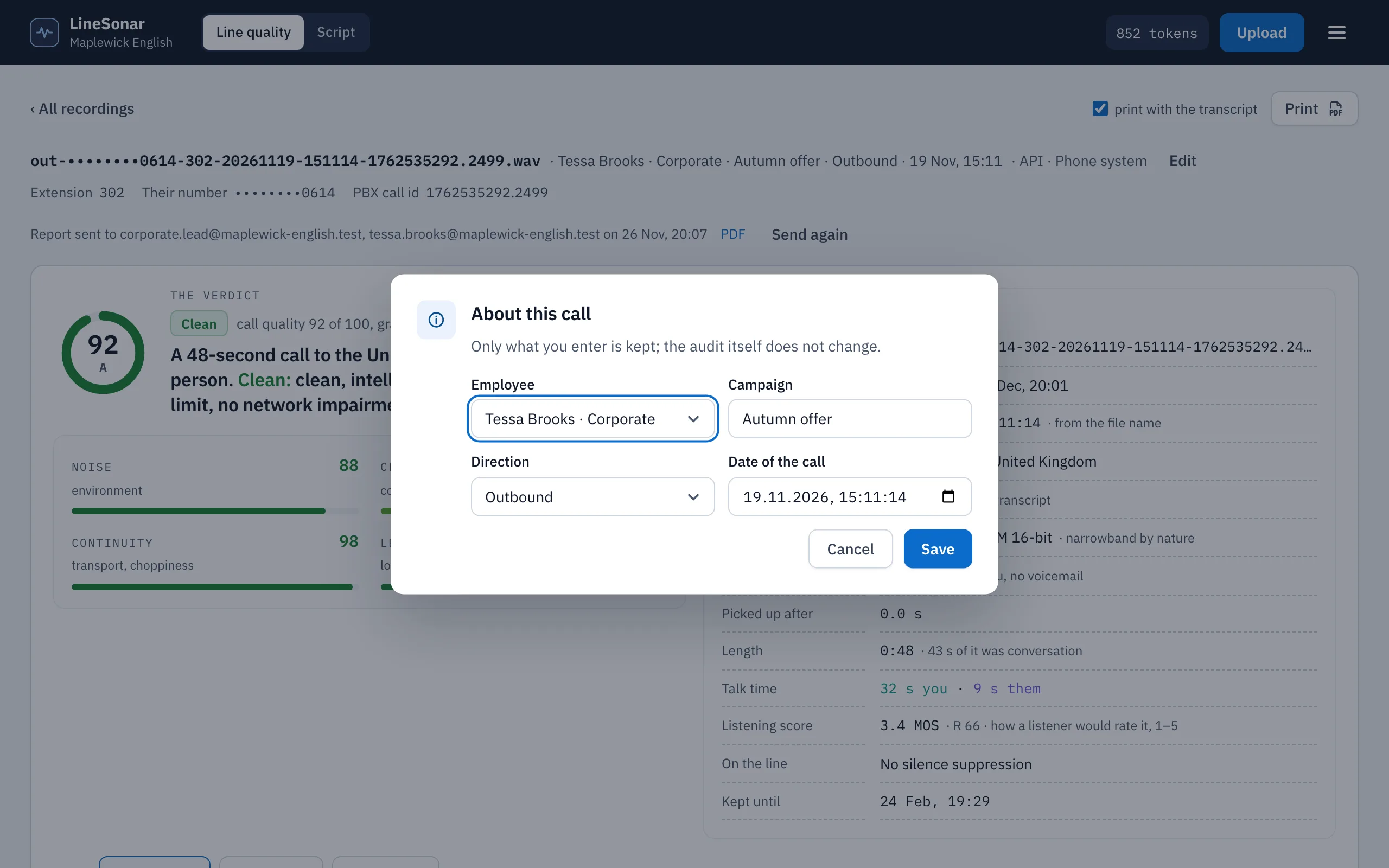
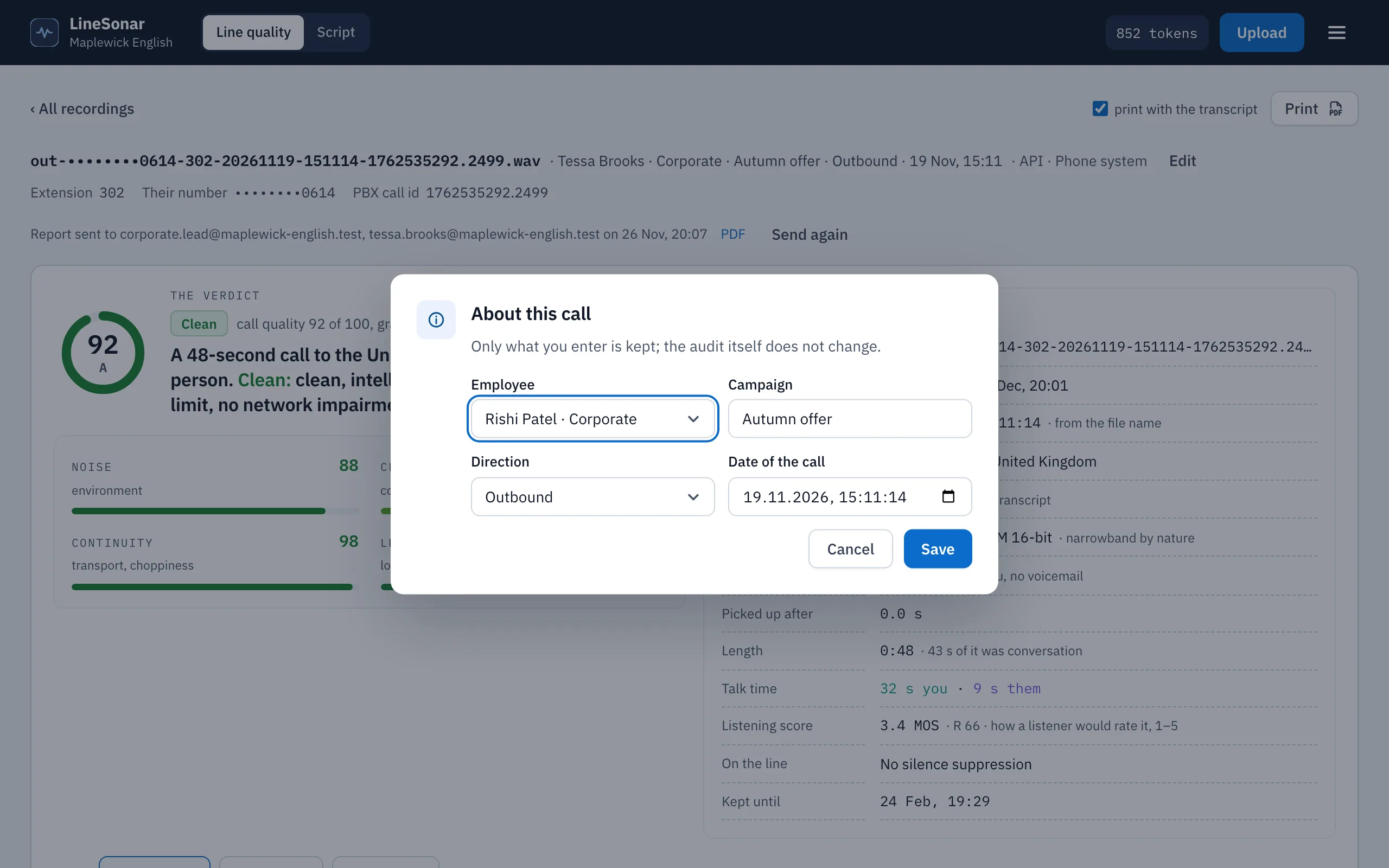
Pick the employee who made the call.
-
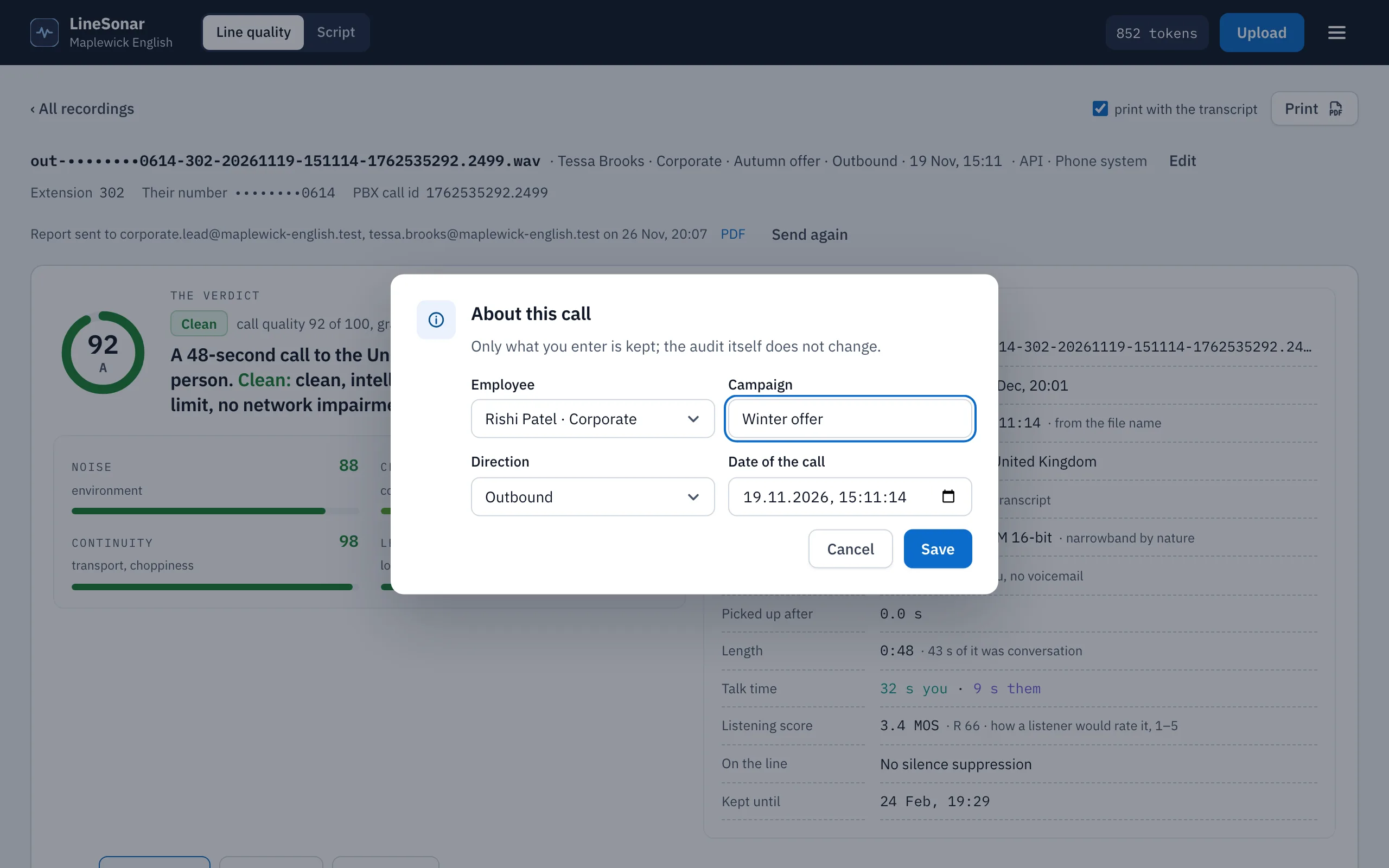
Correct the campaign.
-
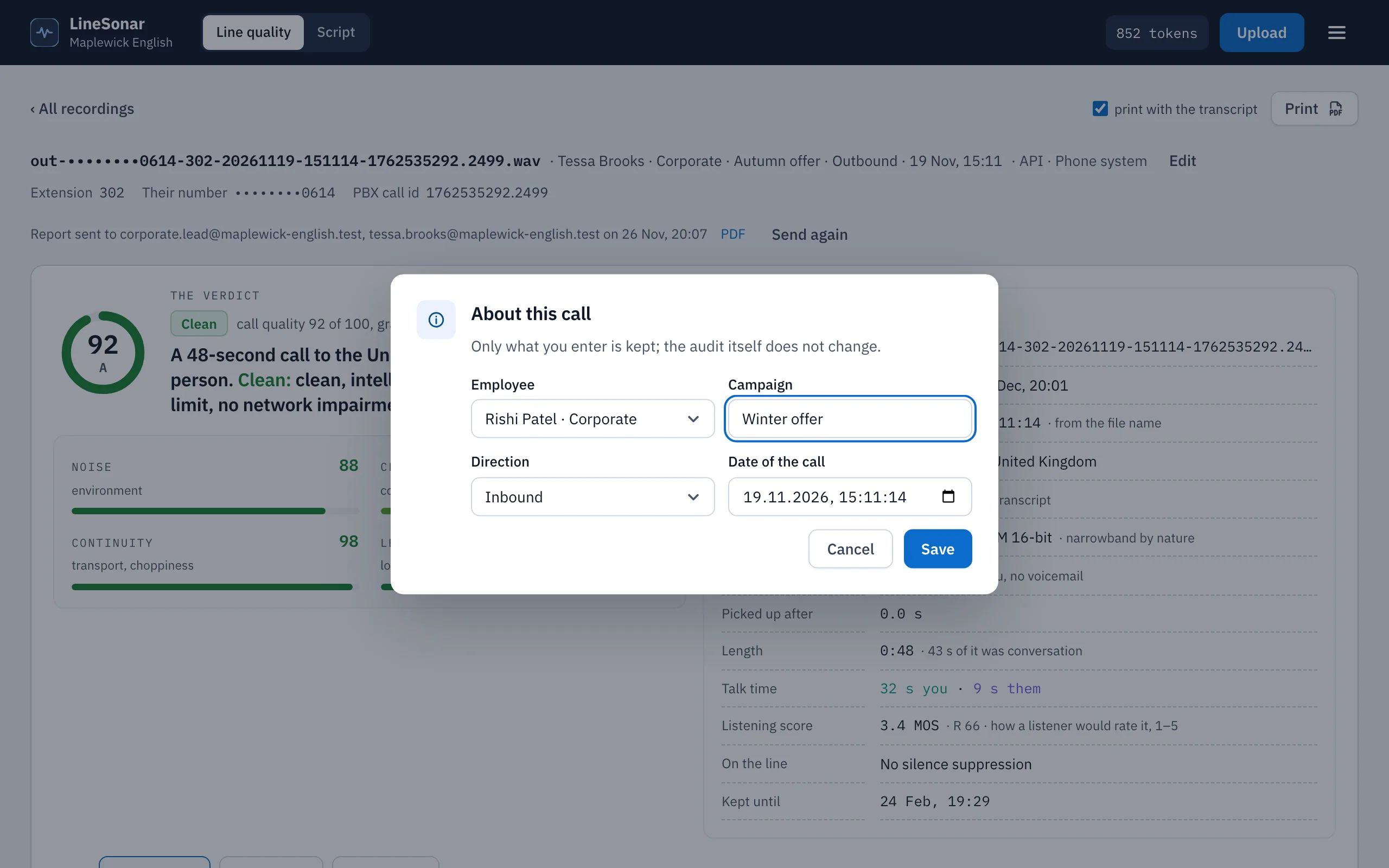
Set the direction: Outbound or Inbound.
-
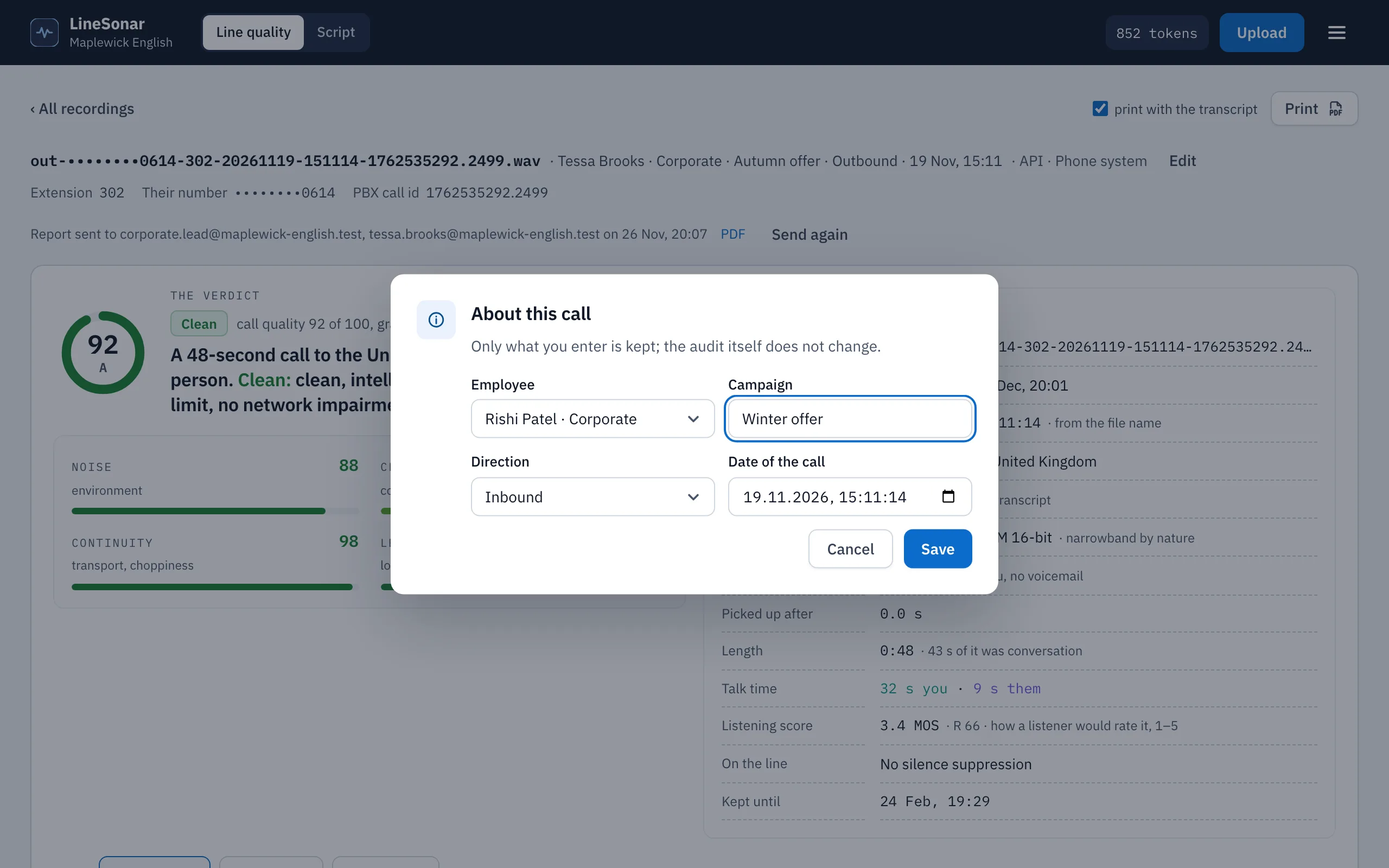
Change the date of the call if it is wrong.
-
Click Save. Only what you enter changes; the audit itself stays as it was.
-
The call’s line shows the new details, and the filters of the Recordings page use them.