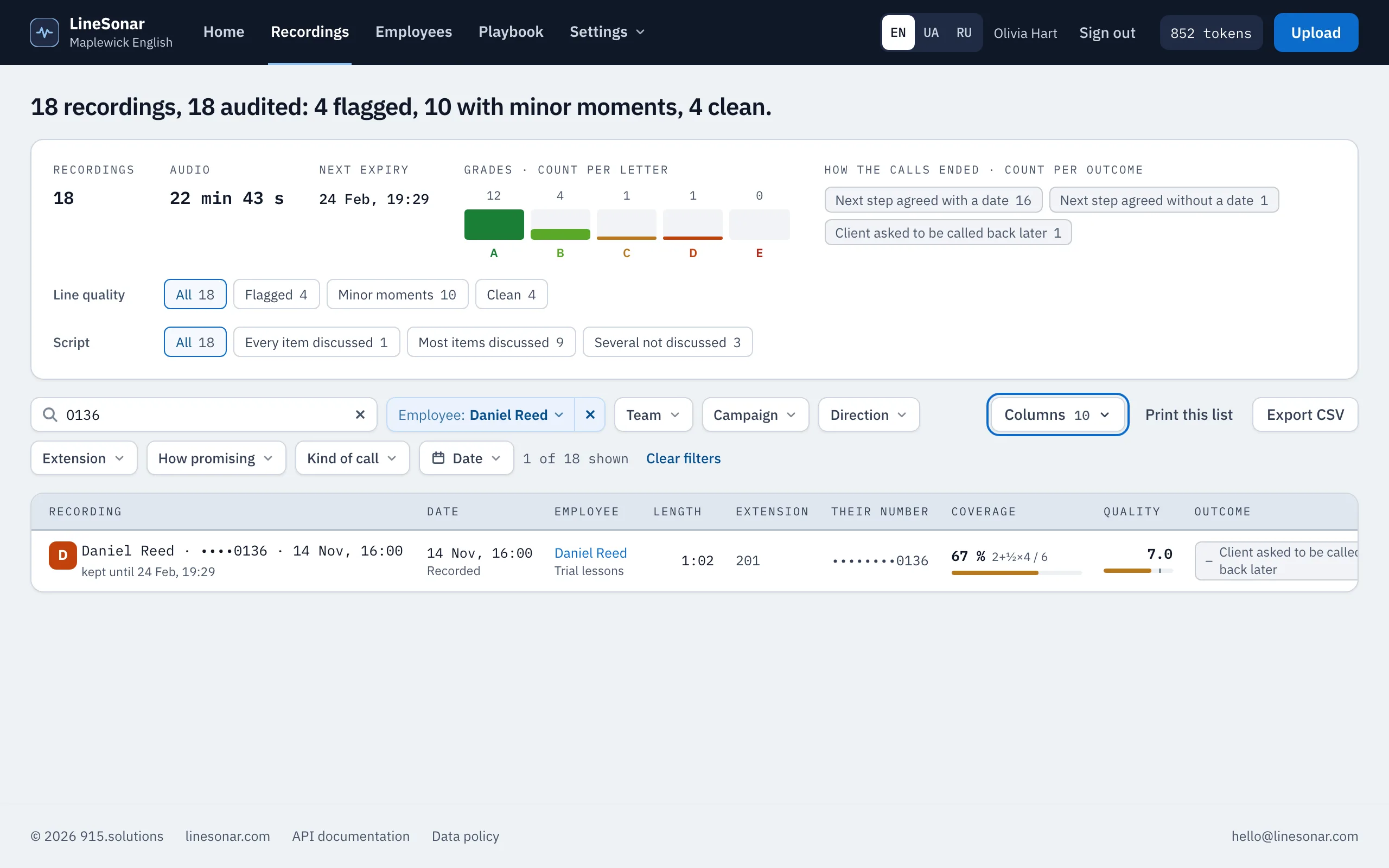
Find recordings
Filter the list of recordings, choose its columns, and export it.
- Watch
- Try it
The voice is generated. Subtitles are on; switch them off in the player.
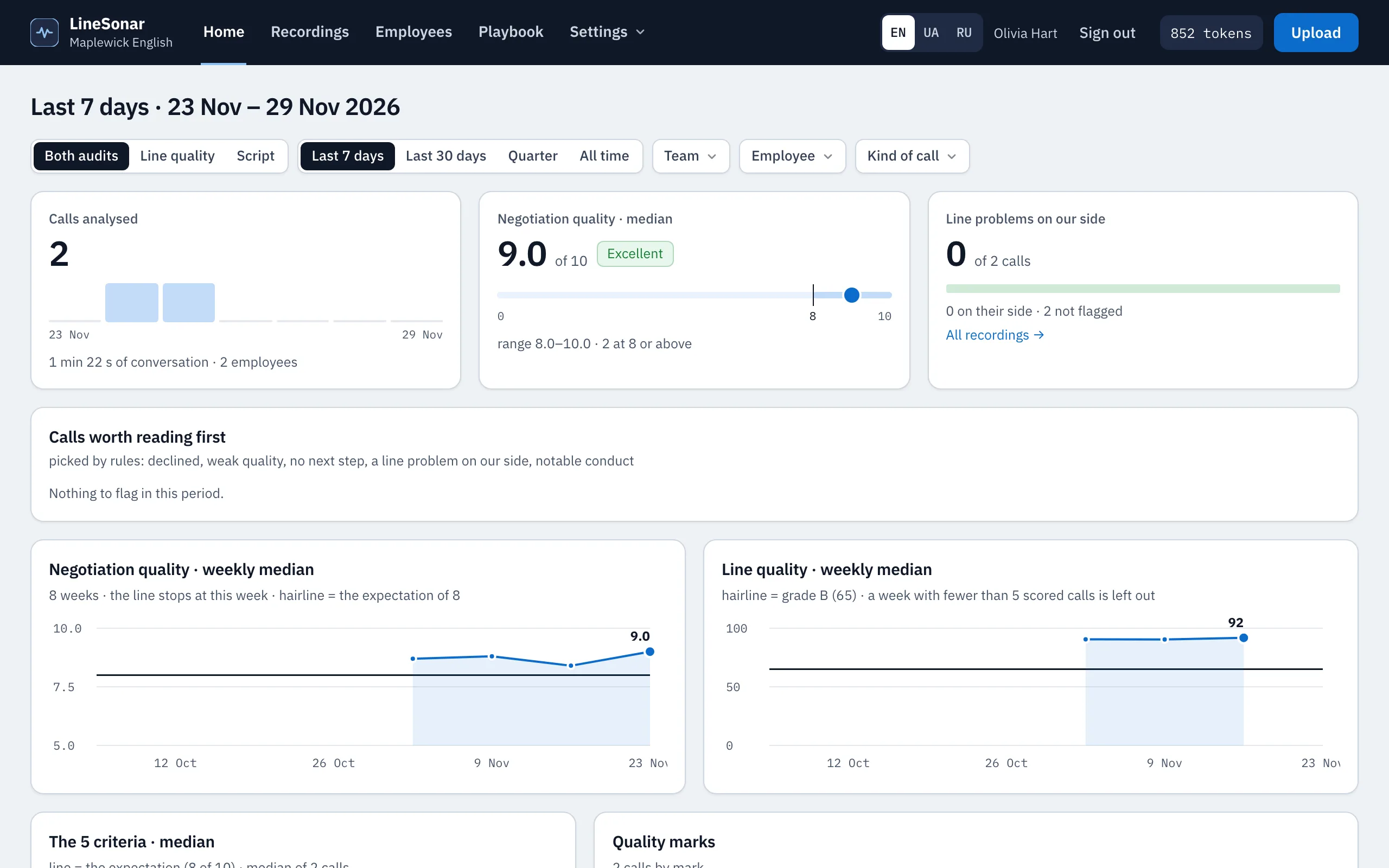
Click the highlighted spot, as you would in the app. After the first click, the arrow keys work too.
Steps
-
Click Recordings in the top bar. It lists every recording still stored, newest first.
-
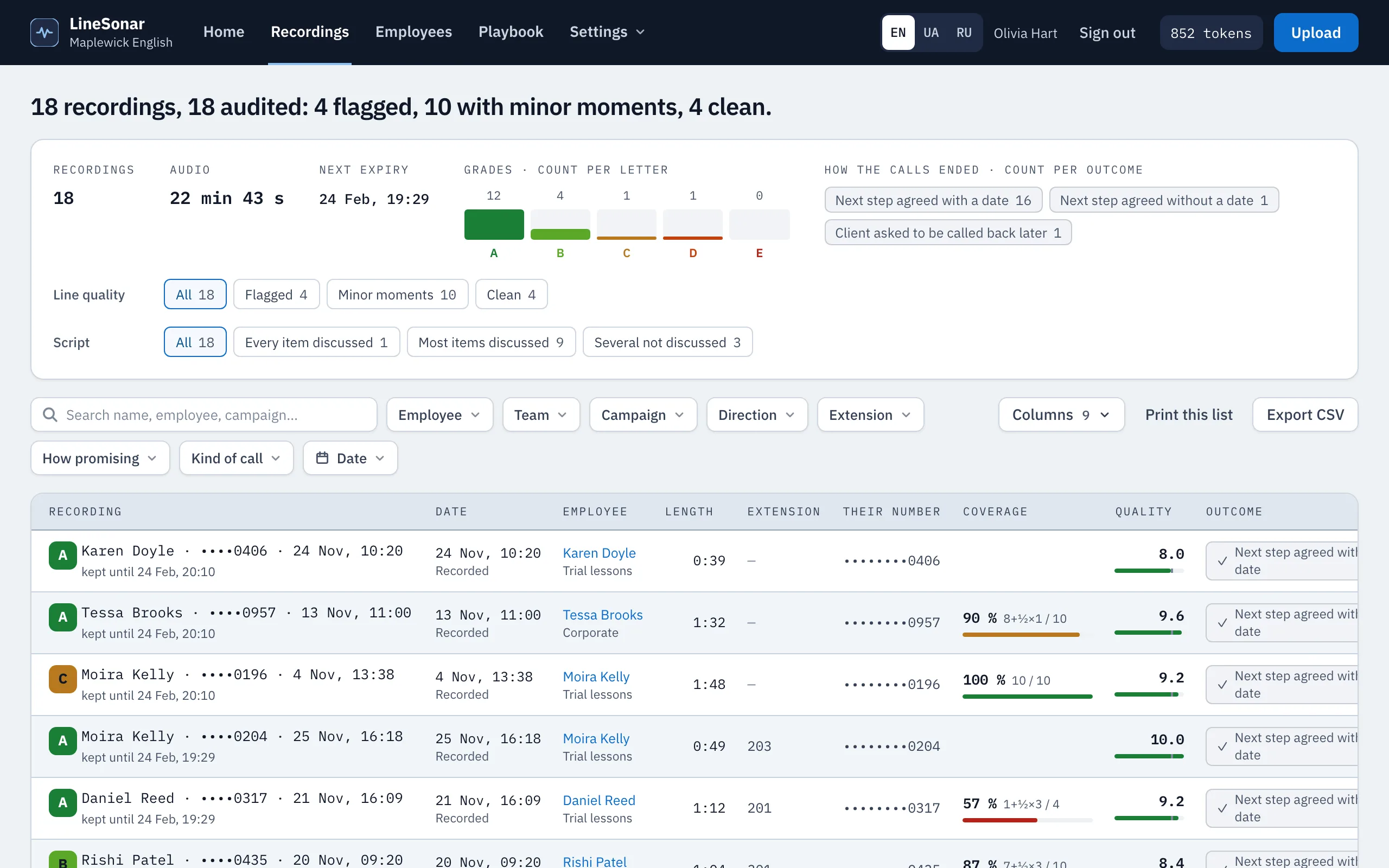
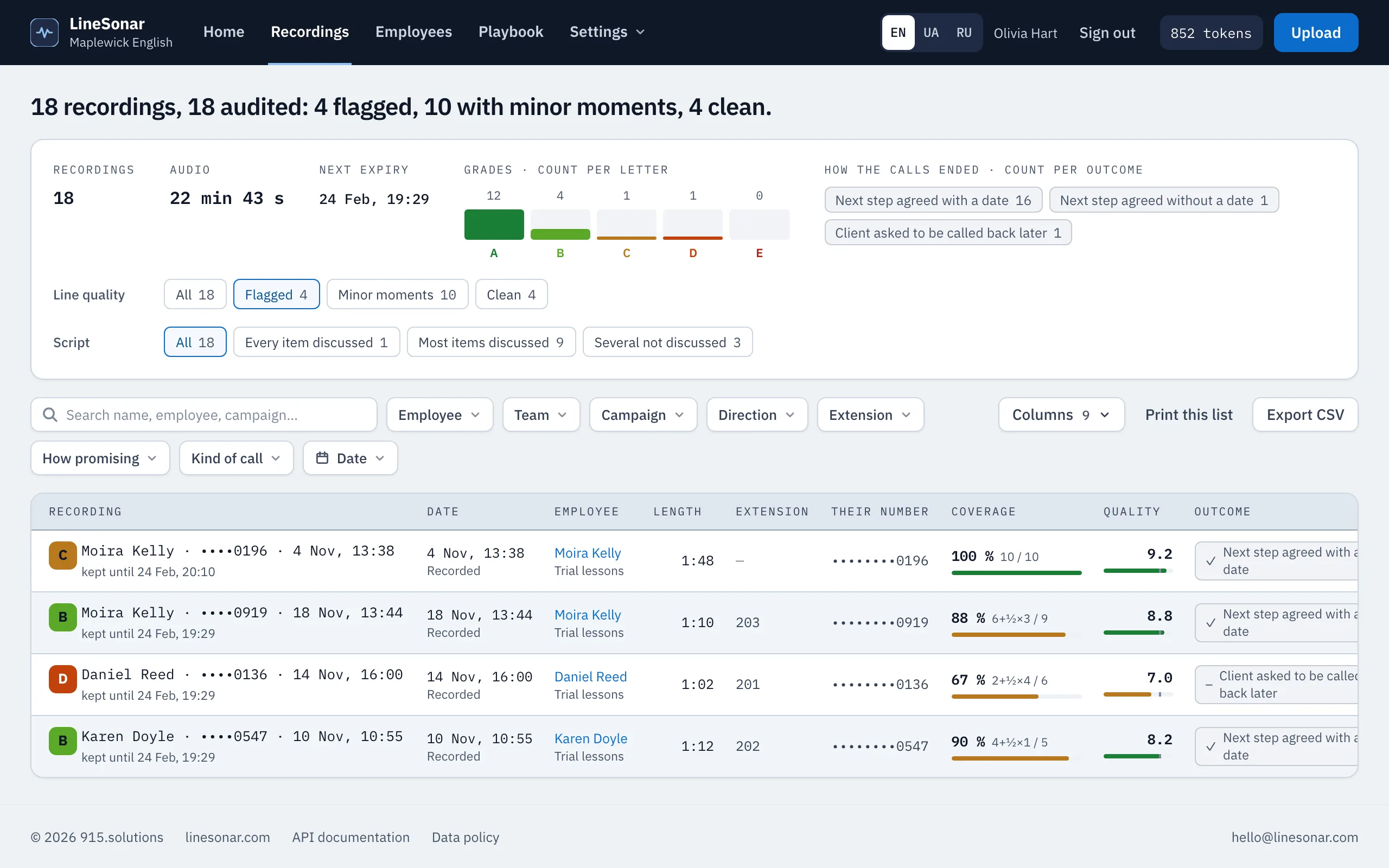
Click Flagged to see only the calls with a problem on the line.
-
Click All to see every call again.
-
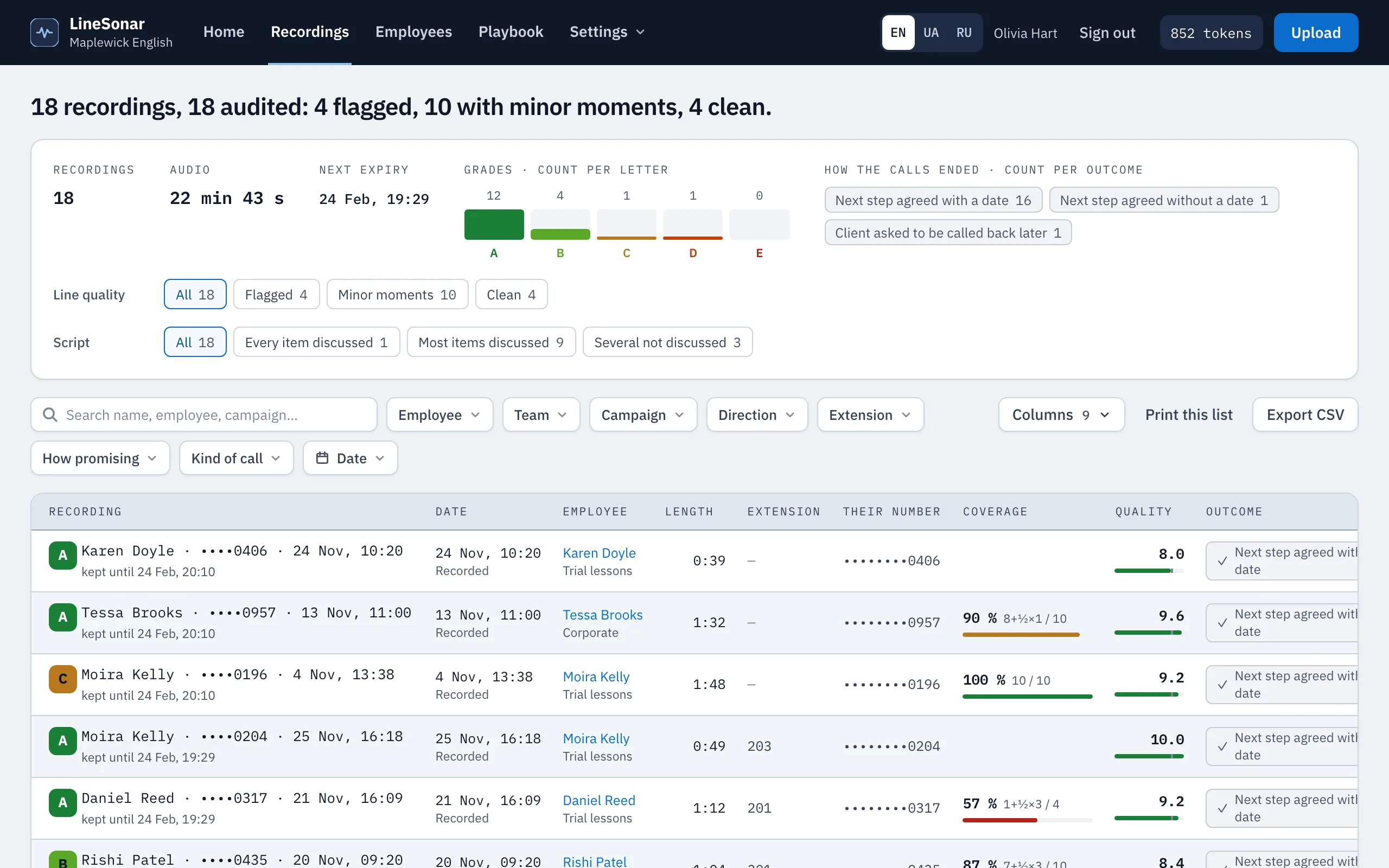
Narrow the list by employee, team, campaign, direction or date.
-
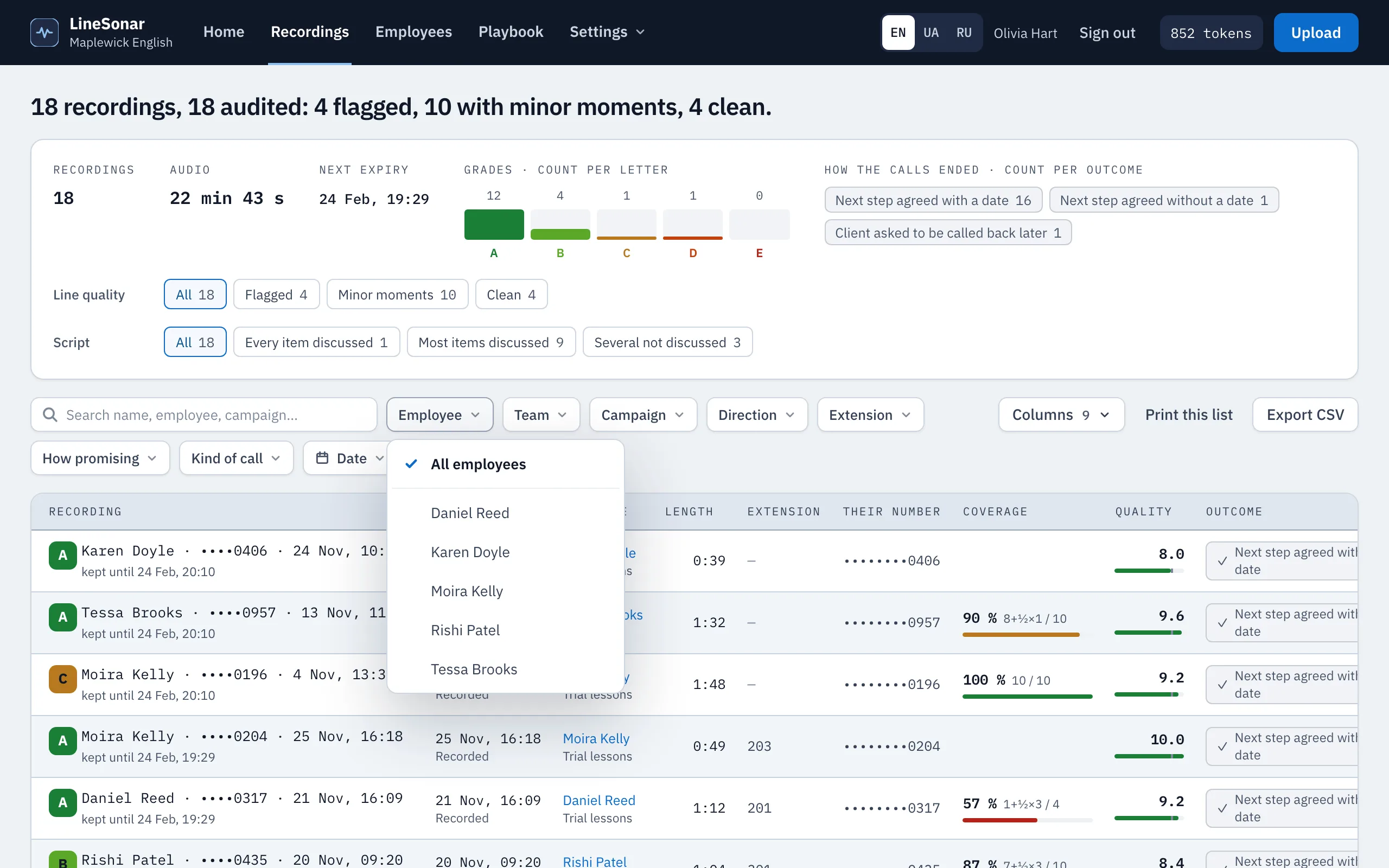
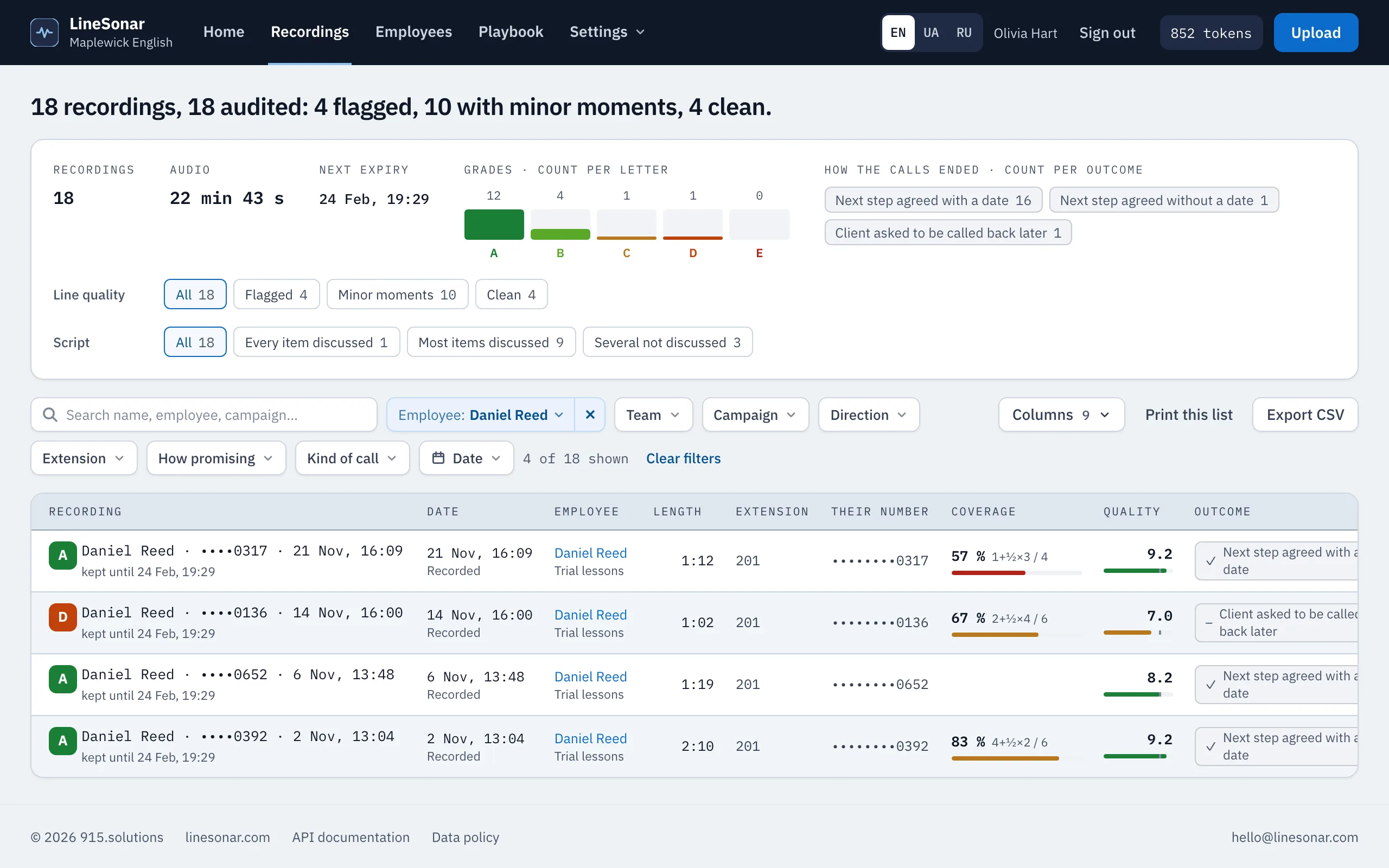
Pick a name, and the list keeps only that person’s calls.
-
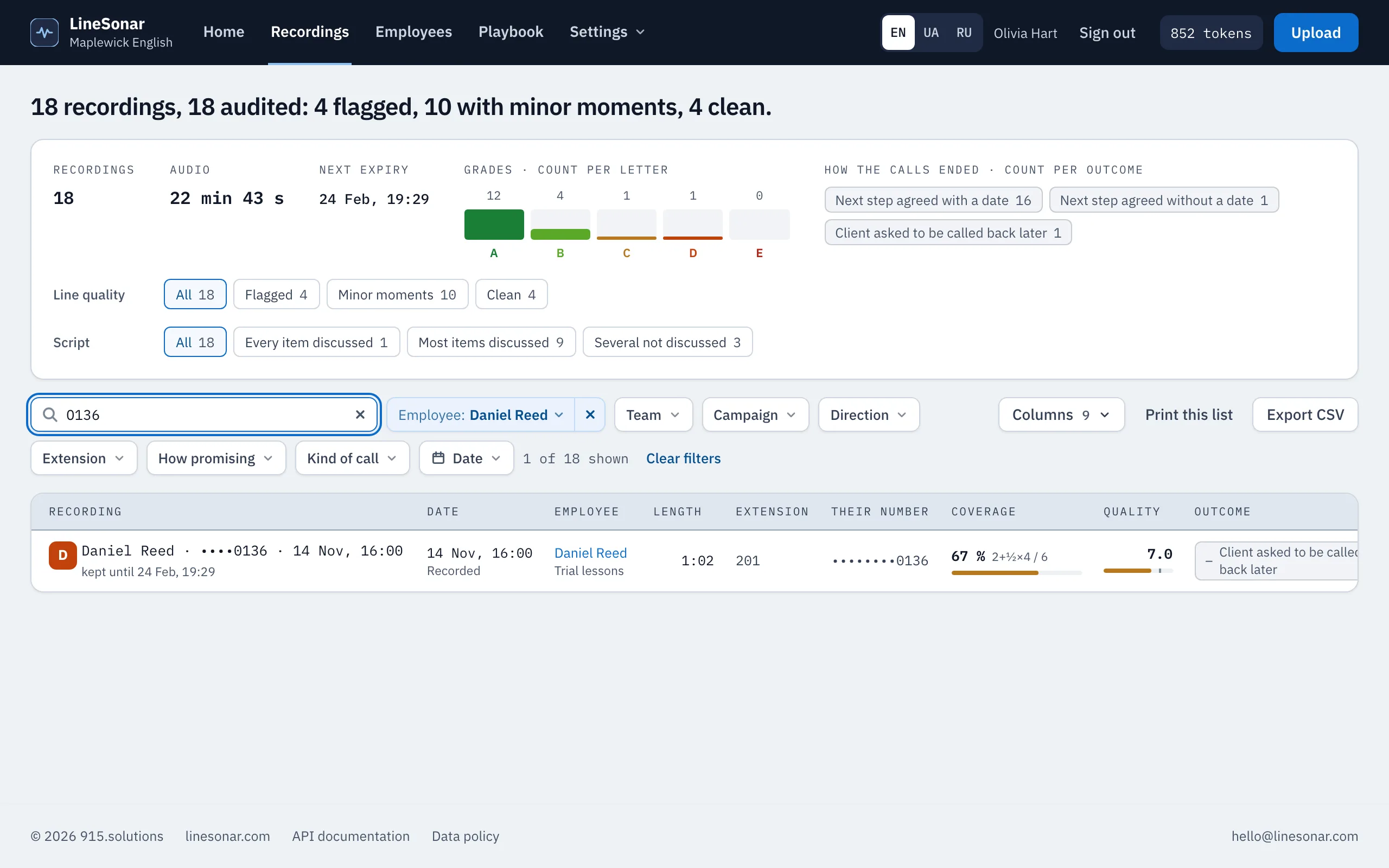
Or type into the search box: a file name, an employee or a campaign.
-
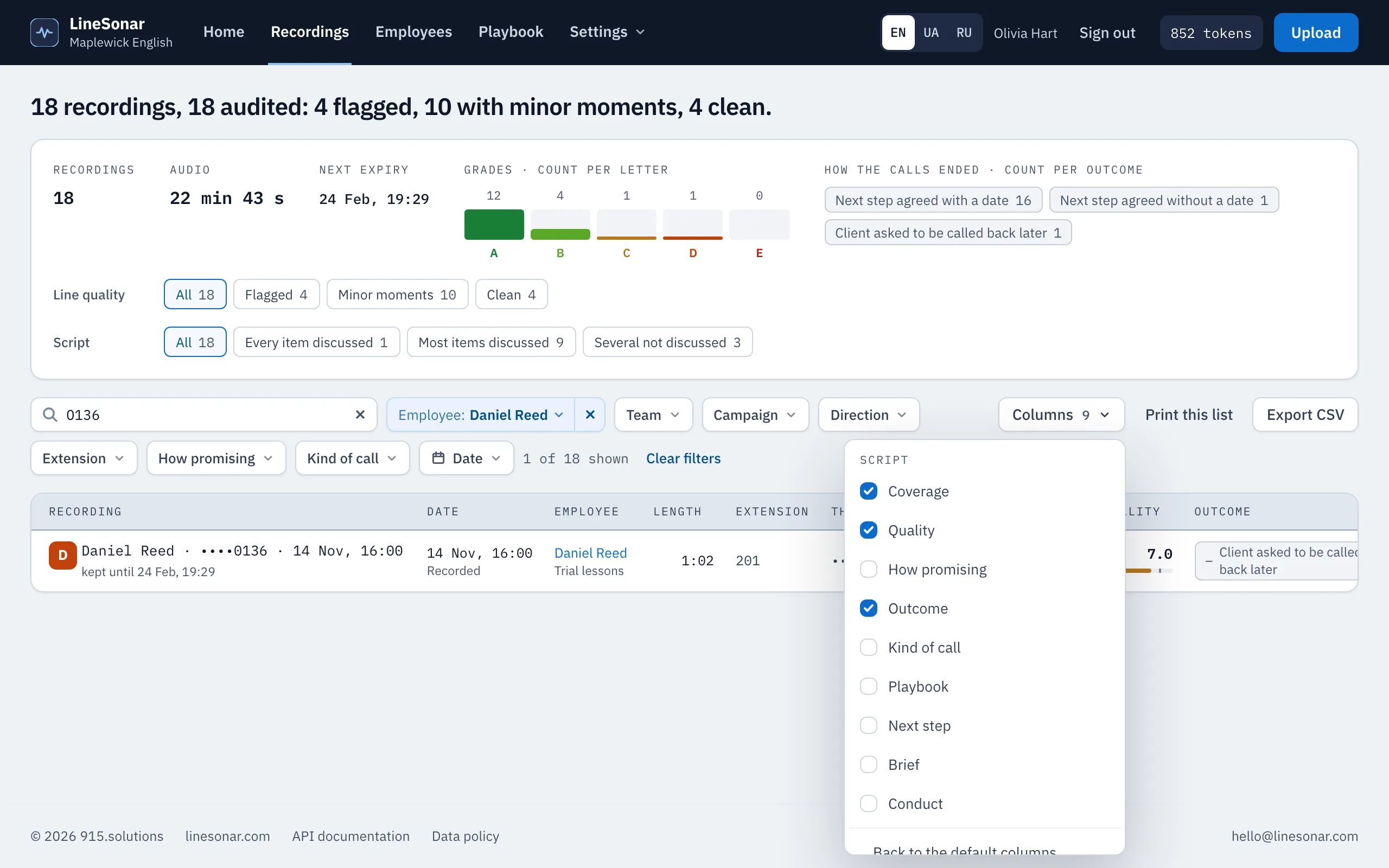
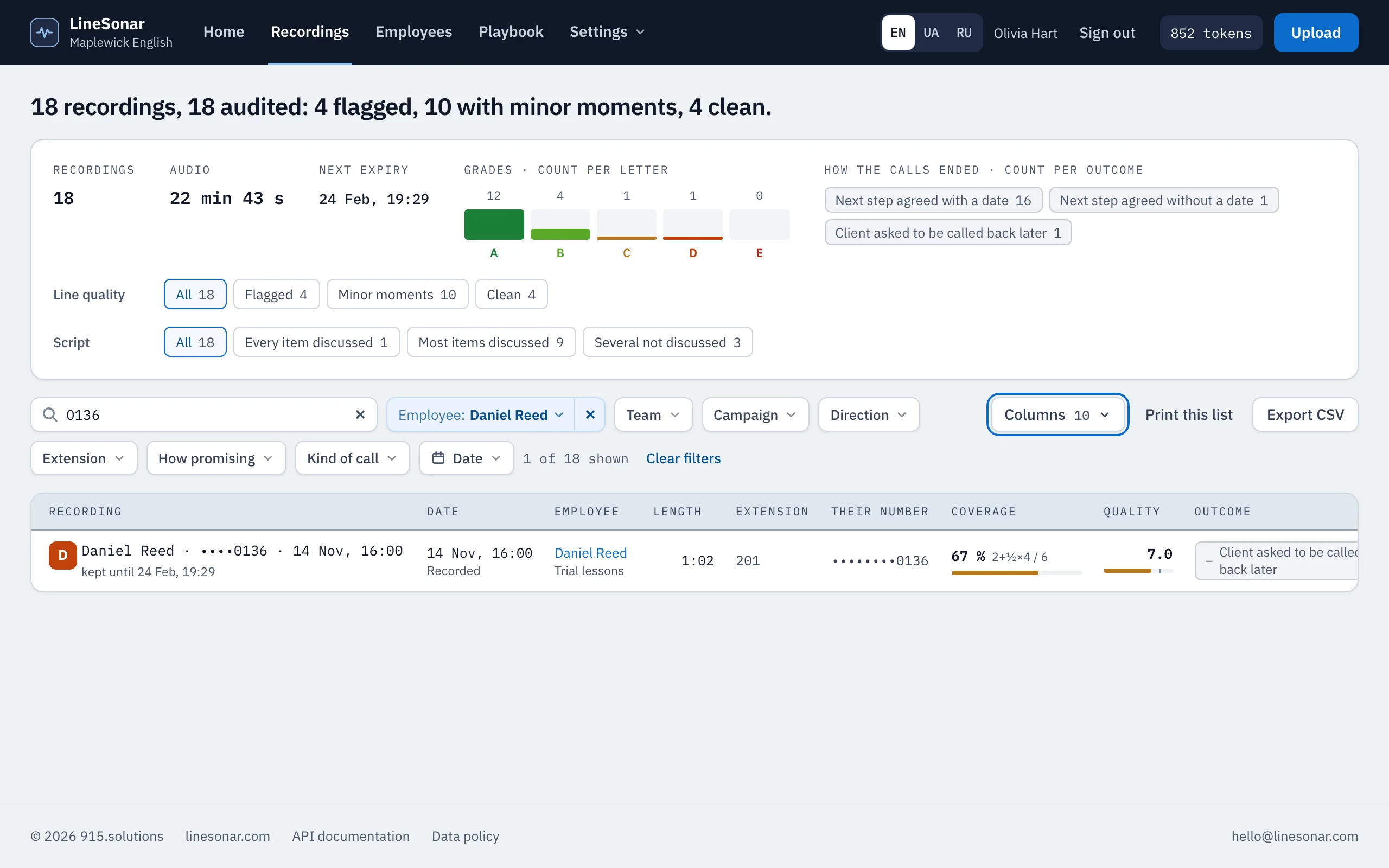
Columns chooses what the table shows. Your choice is kept in this browser.
-
Tick a column to add it.
-
Export CSV saves every recording the filters leave, as a file for a spreadsheet.
-
Click a recording to open its report.