Read the line-quality audit
How a call sounded: the verdict, the scores, which side a problem came from, and the evidence.
- Watch
- Try it
The voice is generated. Subtitles are on; switch them off in the player.
Click the highlighted spot, as you would in the app. After the first click, the arrow keys work too.
Steps
-
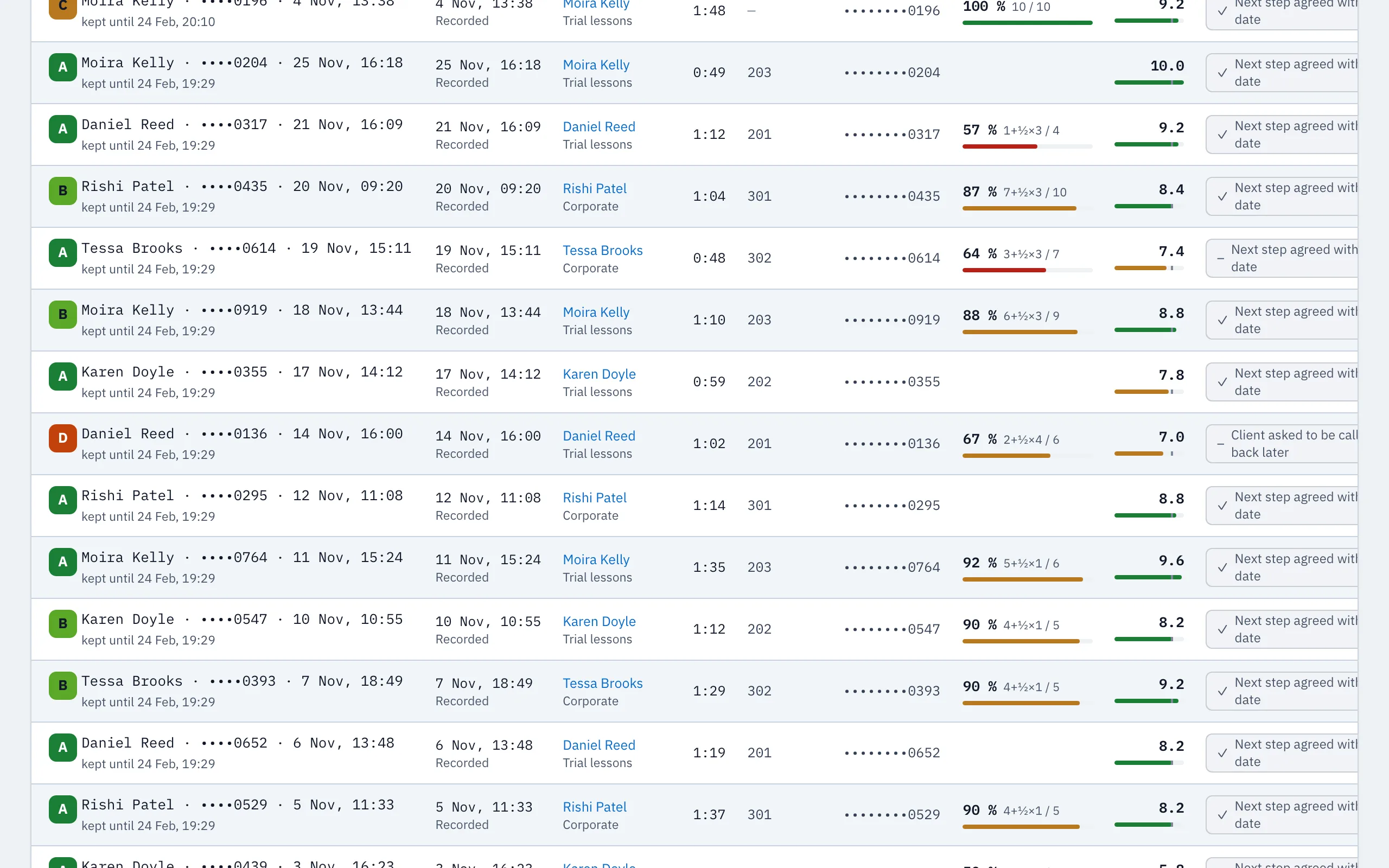
In Recordings, click a call to open it.
-
At the top, choose Line quality. This audit is about how the line sounded.
-
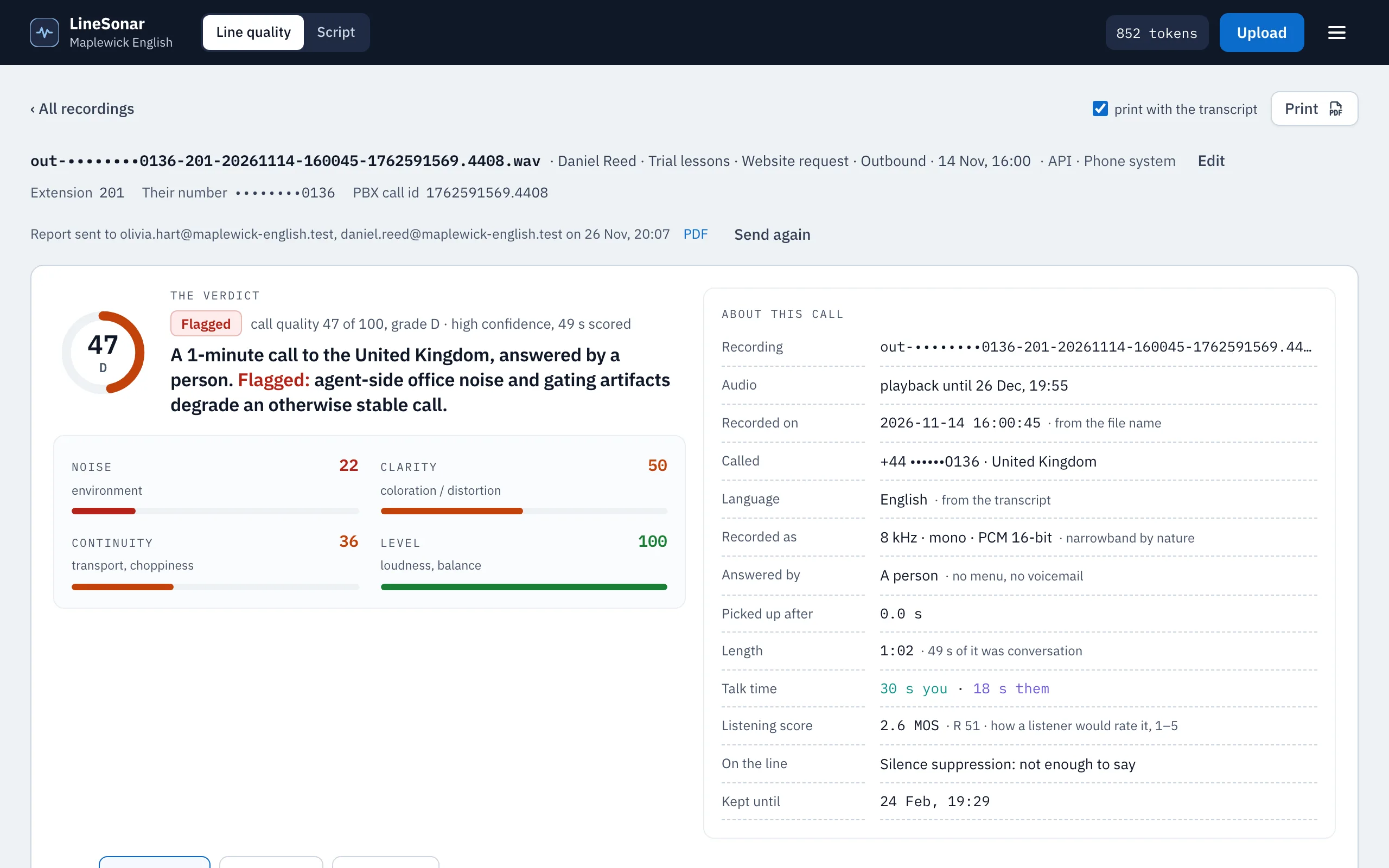
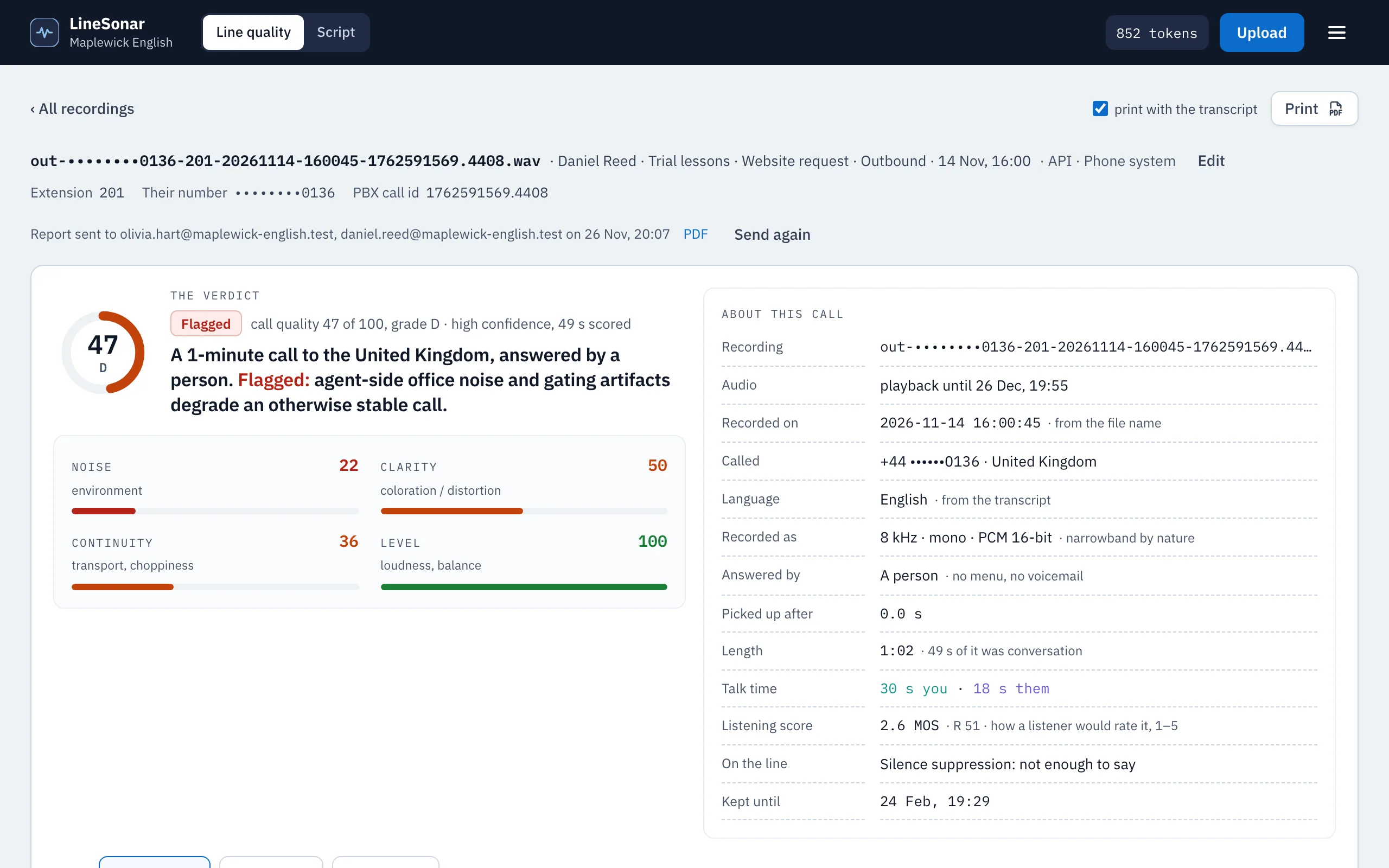
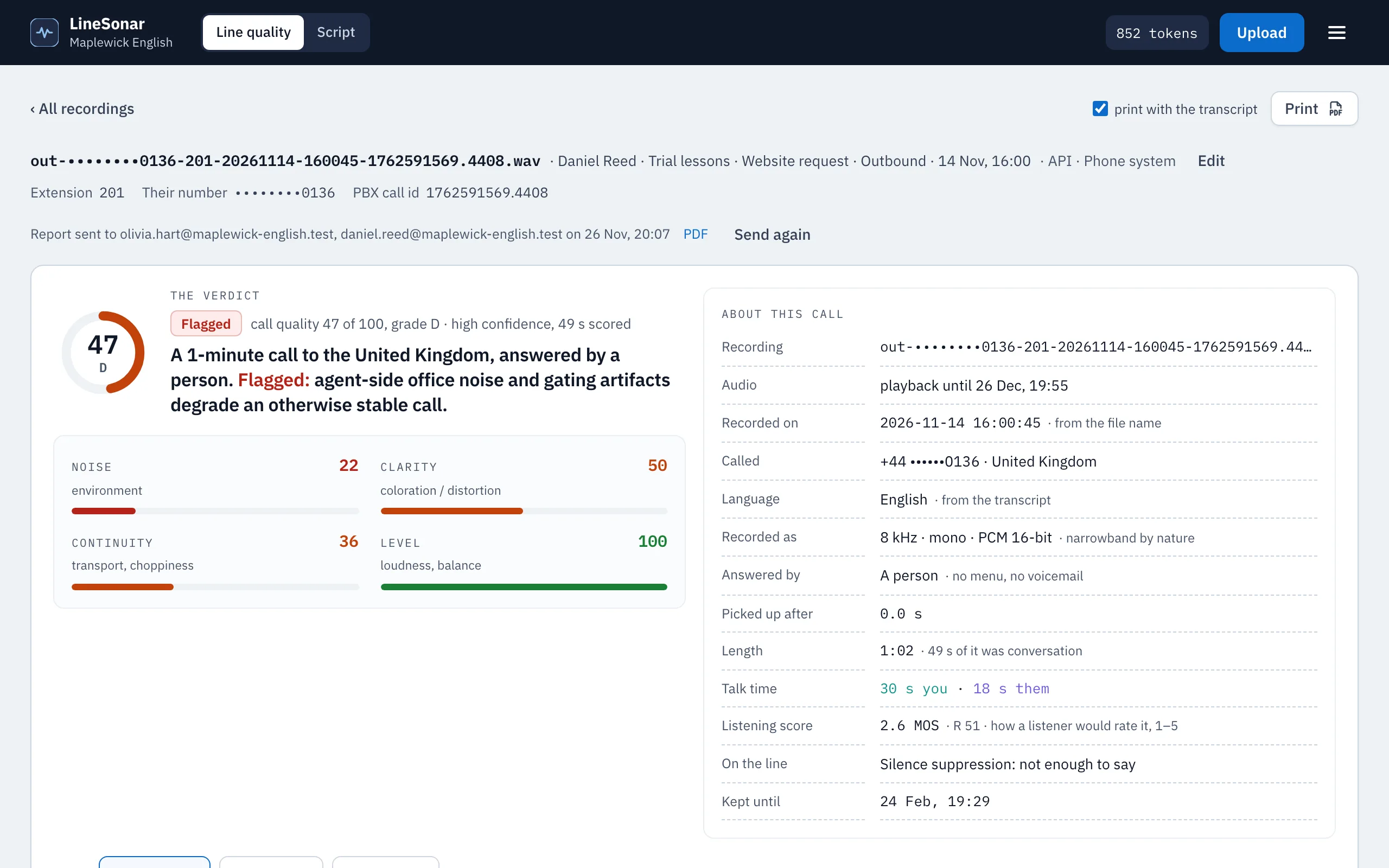
The verdict gives the call quality out of 100 with a letter grade, and says in one sentence what was wrong.
-
Four scores show where it went wrong: noise, clarity, continuity and level.
-
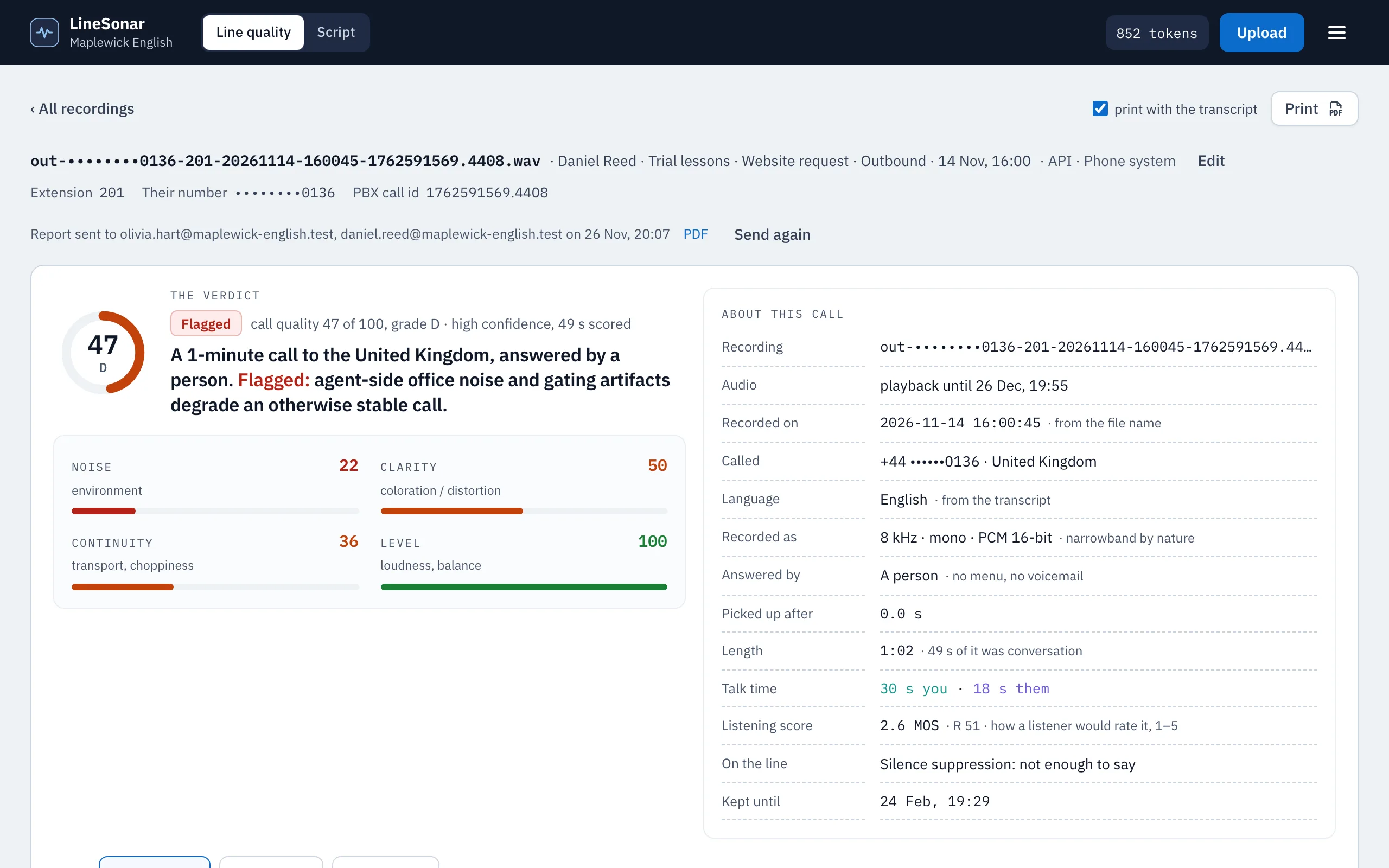
About this call lists the facts: who answered, how long the conversation lasted, and each side’s talk time.
-
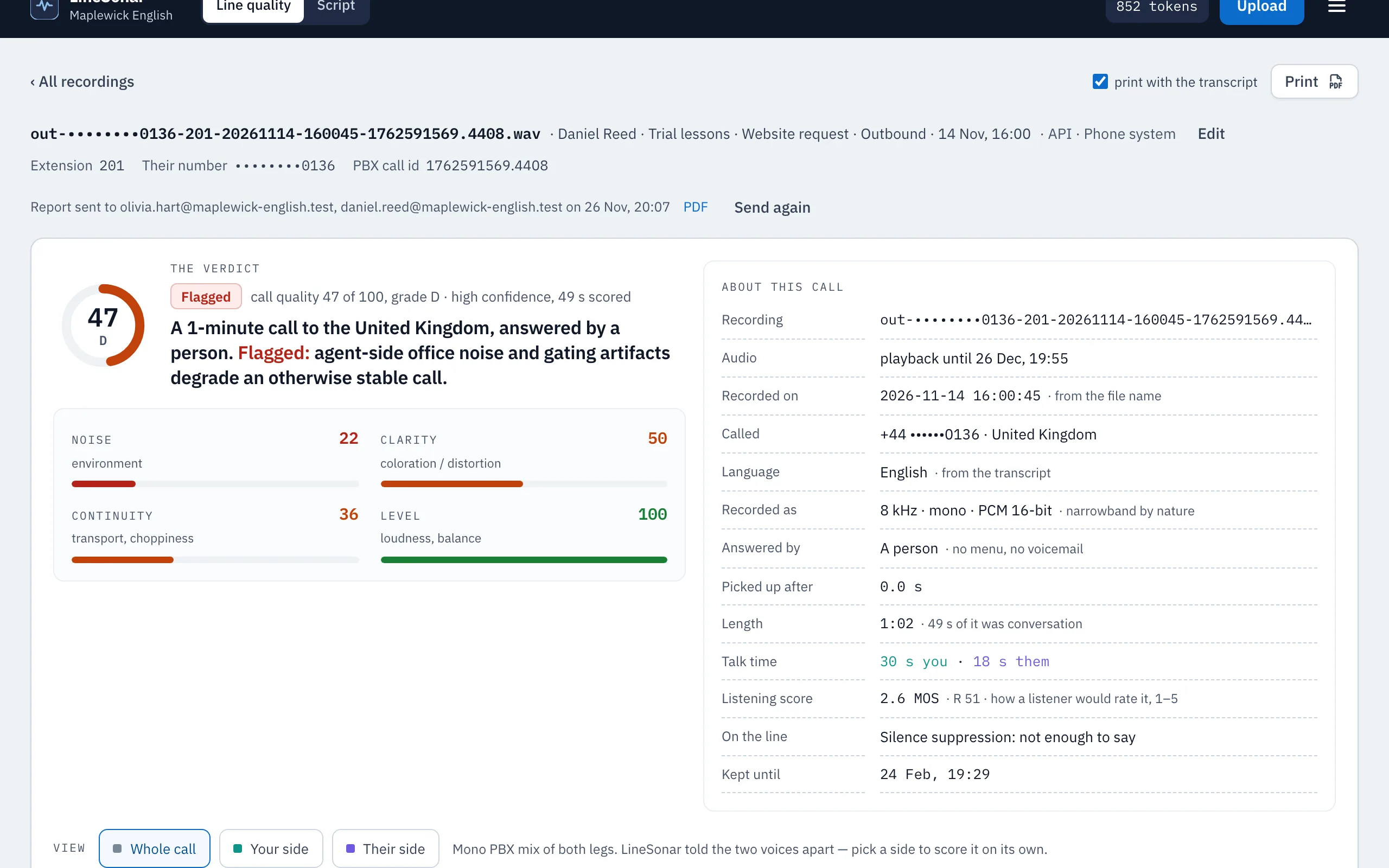
Pick your side or their side to score one side of the line on its own.
-
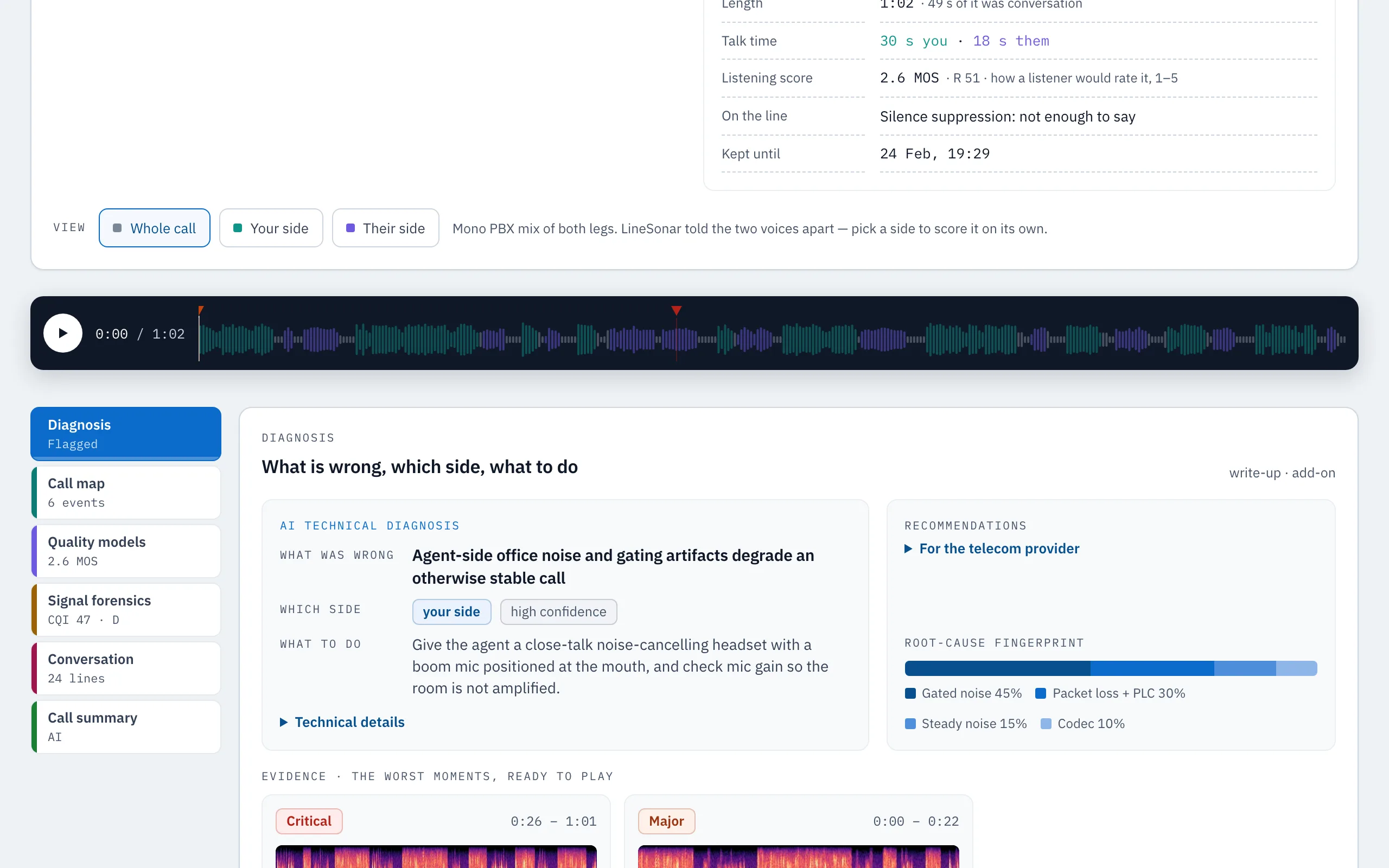
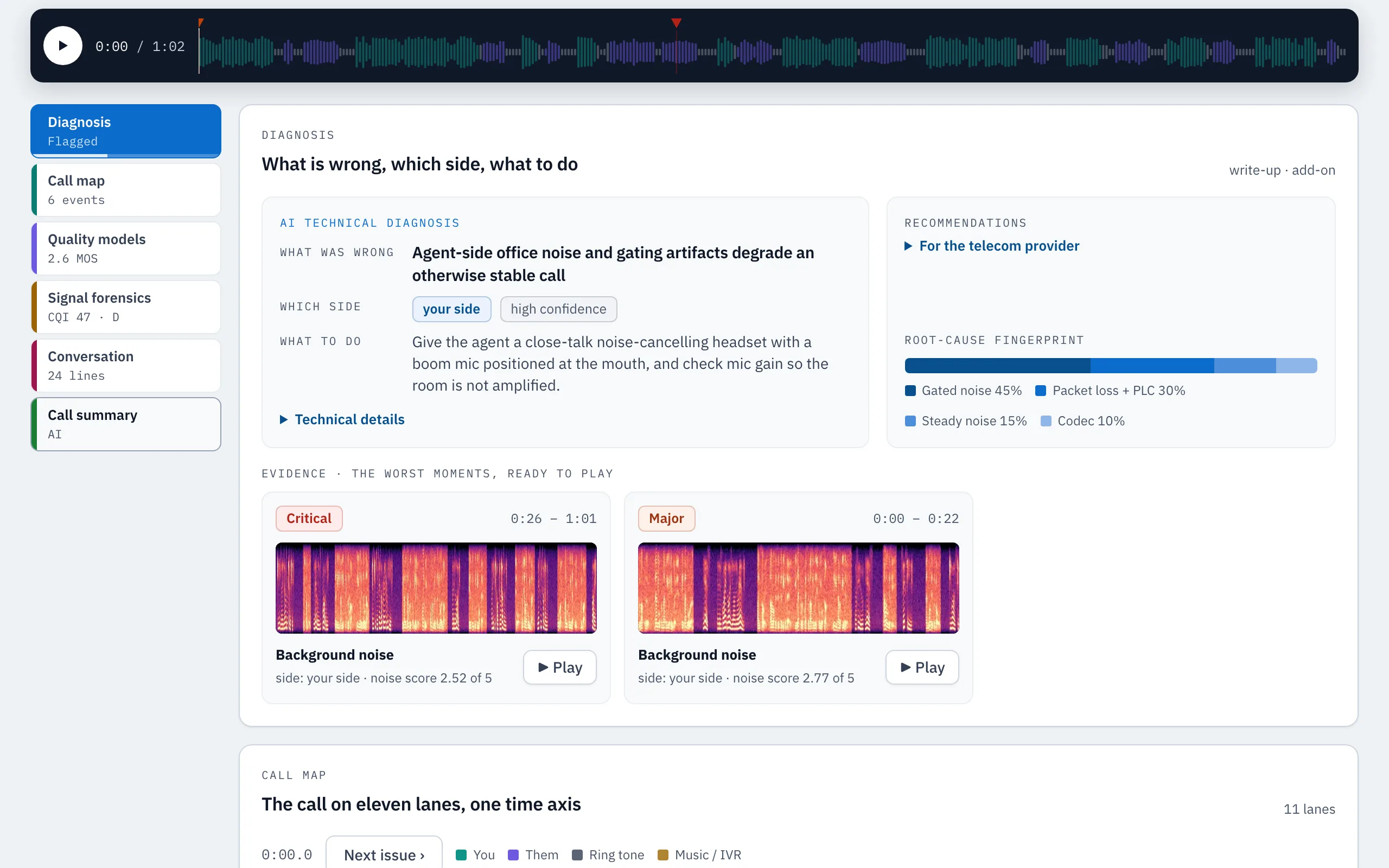
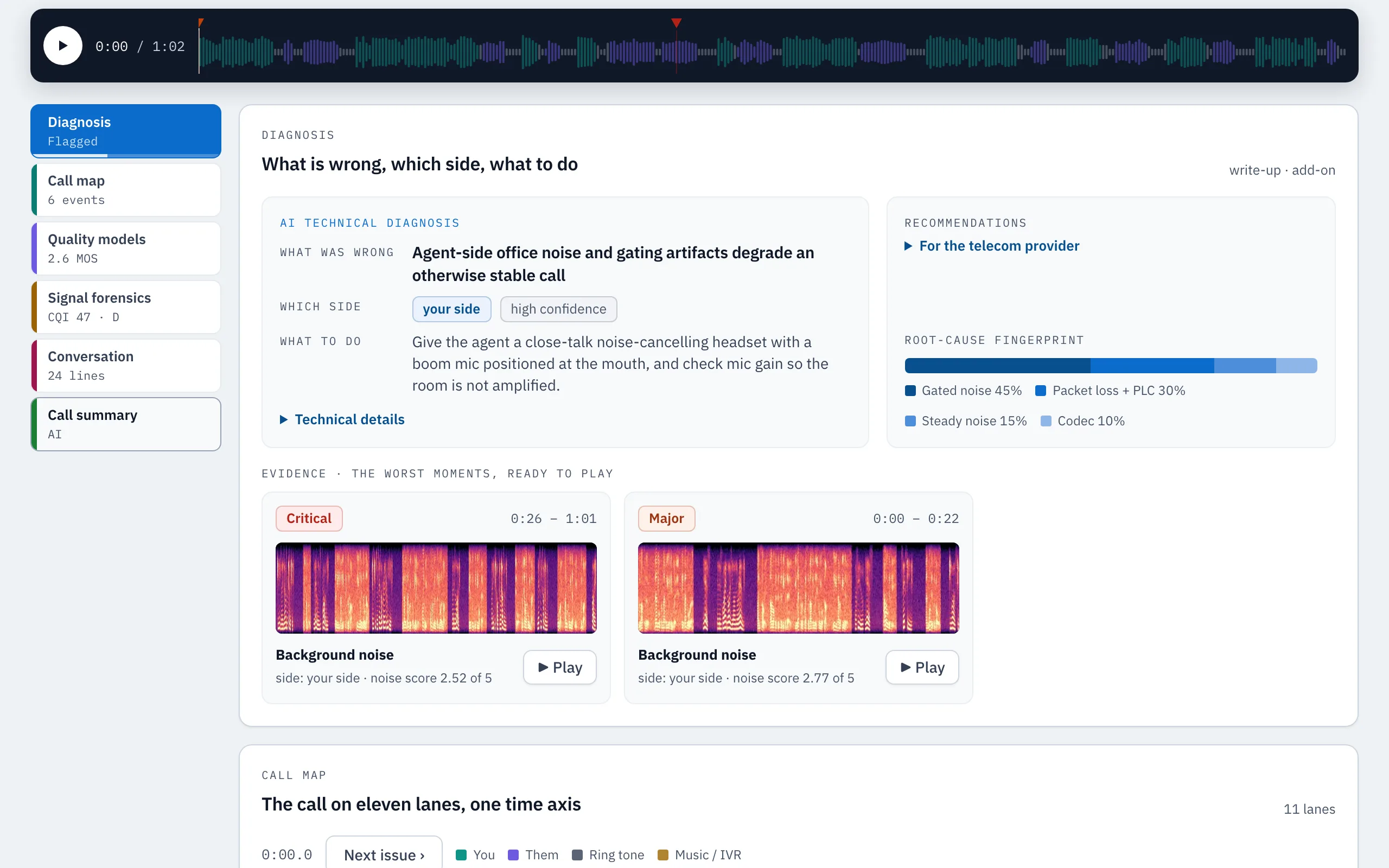
The diagnosis says what was wrong, which side it came from, and what to do about it.
-
The evidence holds the worst moments of the call. Press Play to hear one.
-
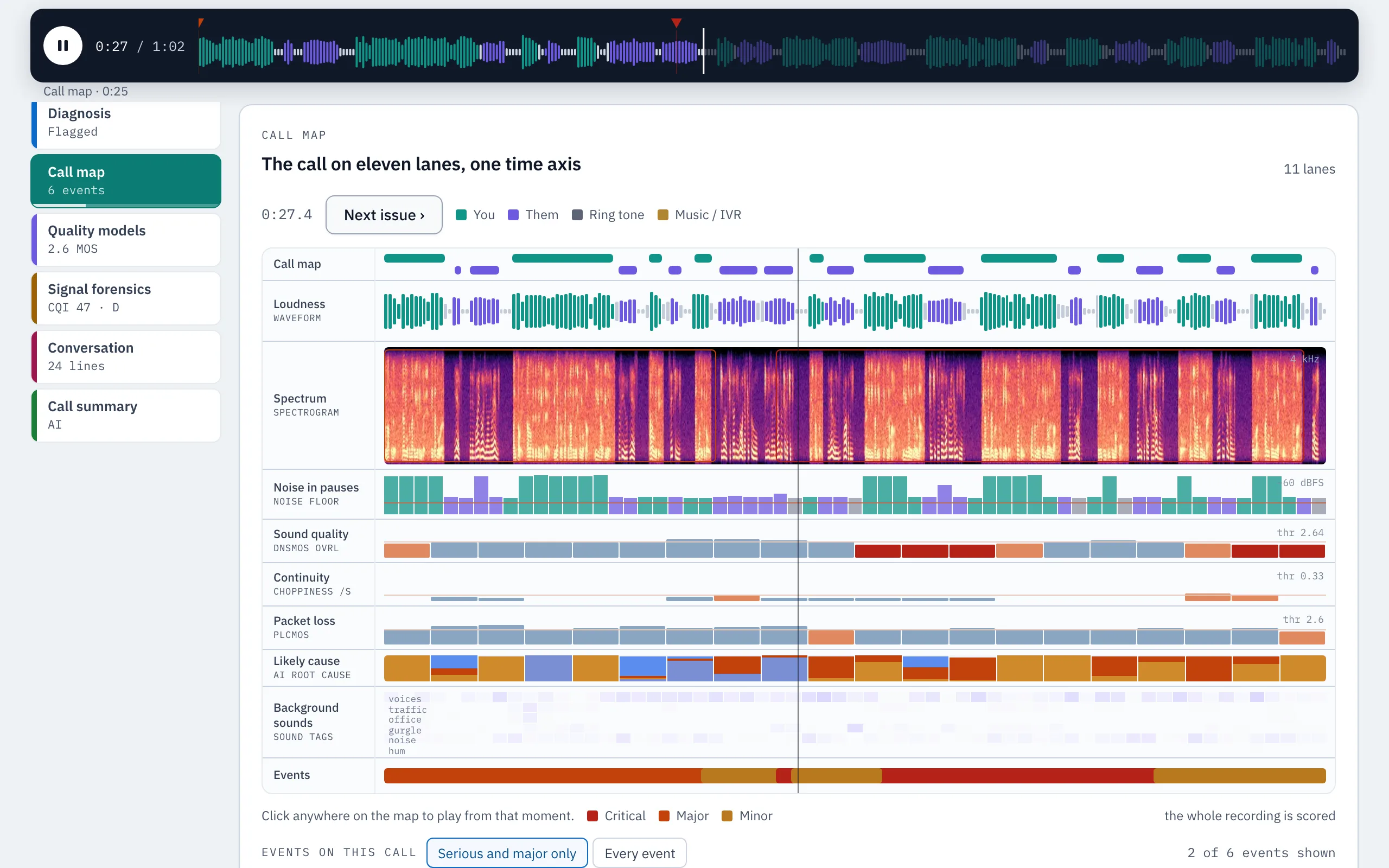
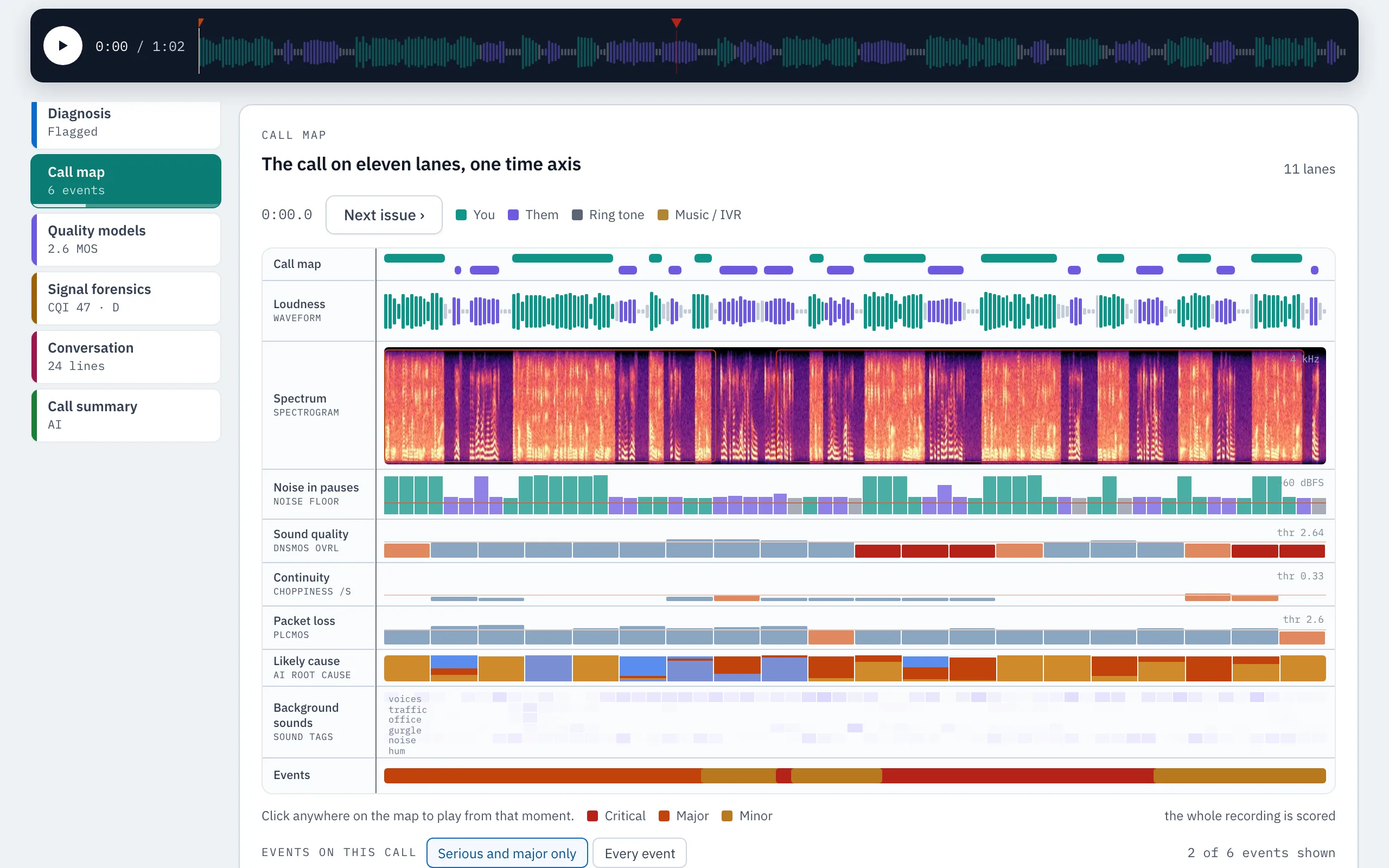
The call map lays every lane of the call on one time axis.
-
Next issue jumps to the next problem and plays it.
-
Further down are the listening models’ scores, the signal forensics, the conversation, and a summary of the call.