Invite a colleague
Give a colleague their own sign-in, and choose what their role lets them do.
- Watch
- Try it
The voice is generated. Subtitles are on; switch them off in the player.
Click the highlighted spot, as you would in the app. After the first click, the arrow keys work too.
Steps
-
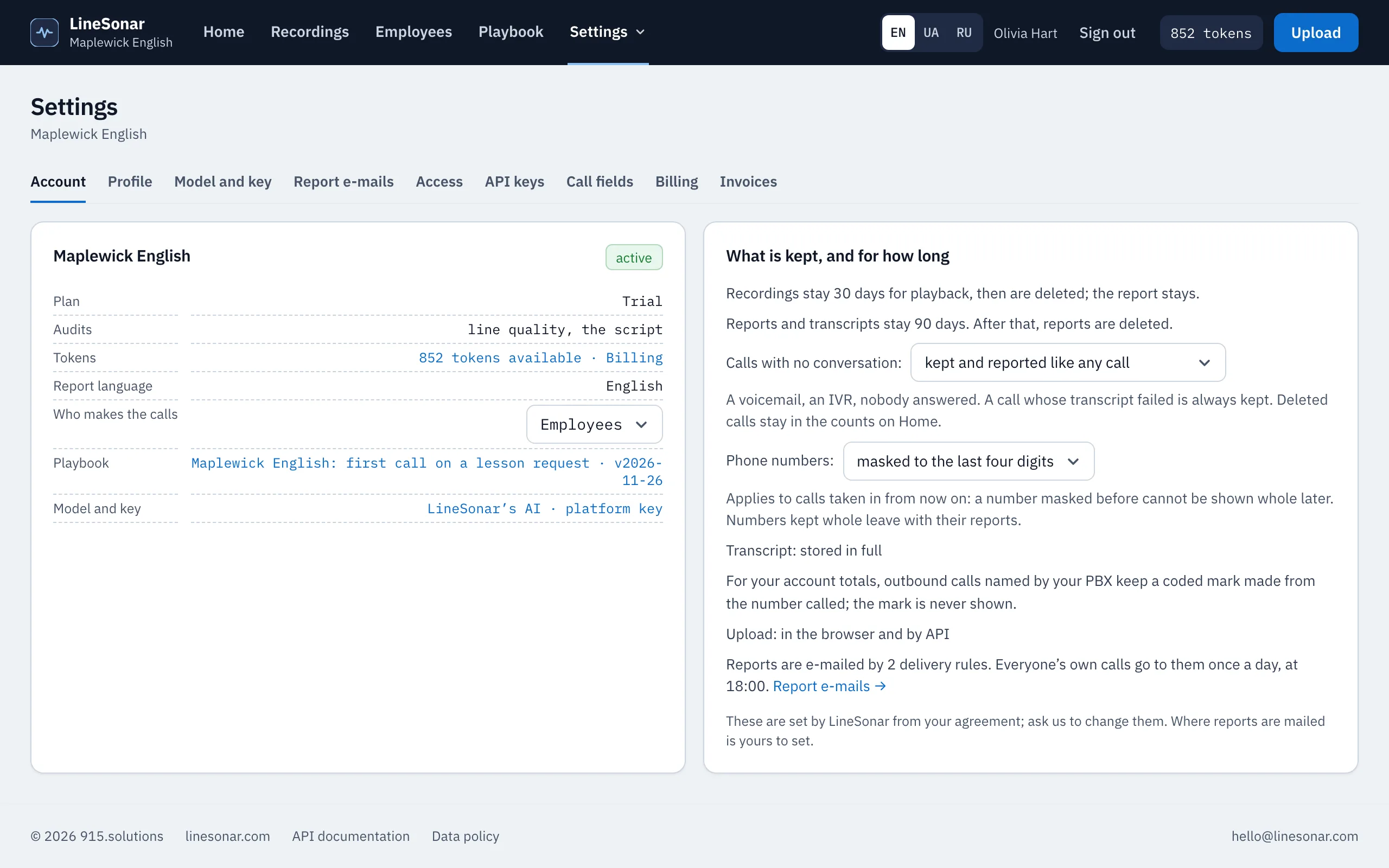
Open Settings, then Access. Only the owner or an administrator can invite.
-
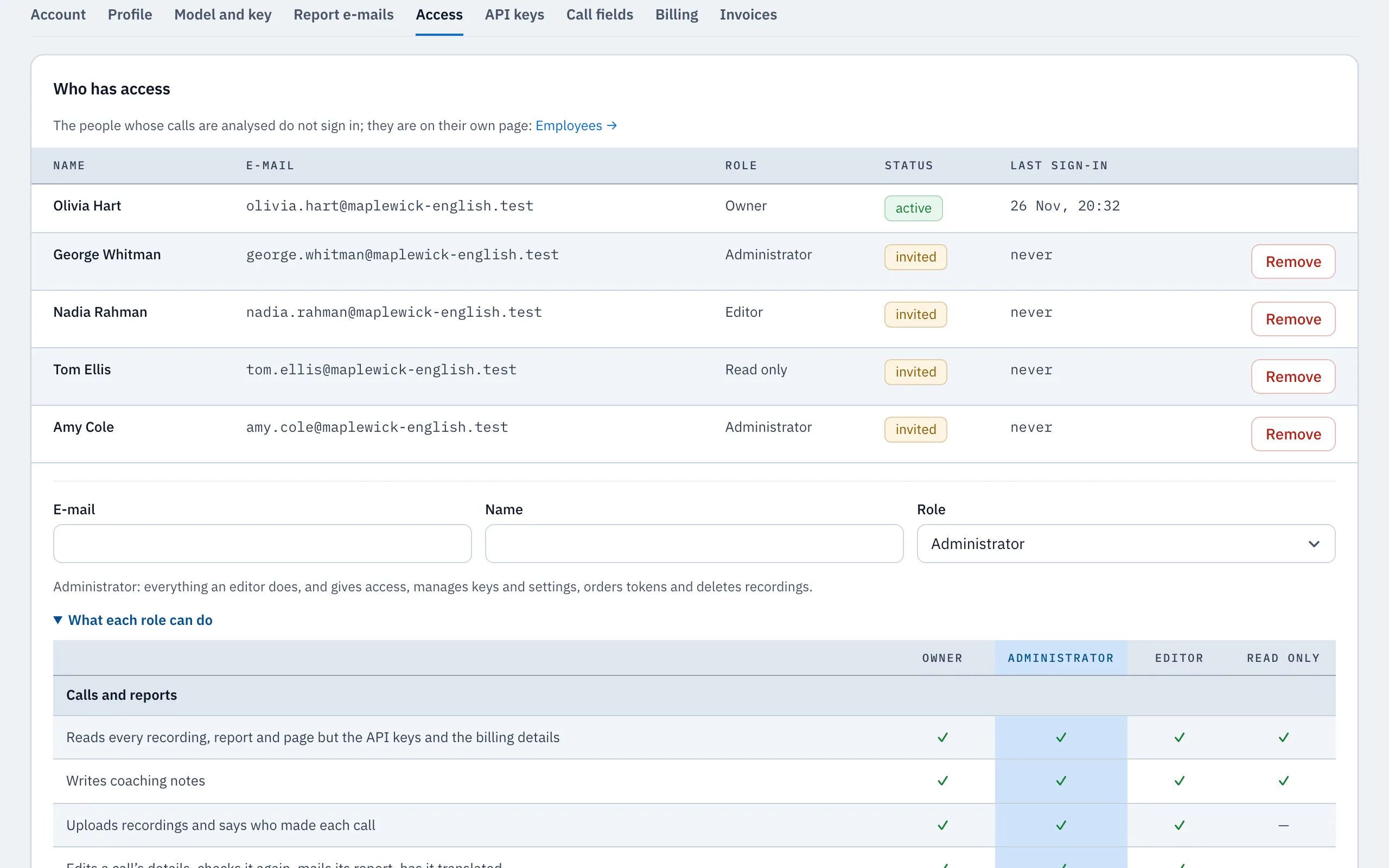
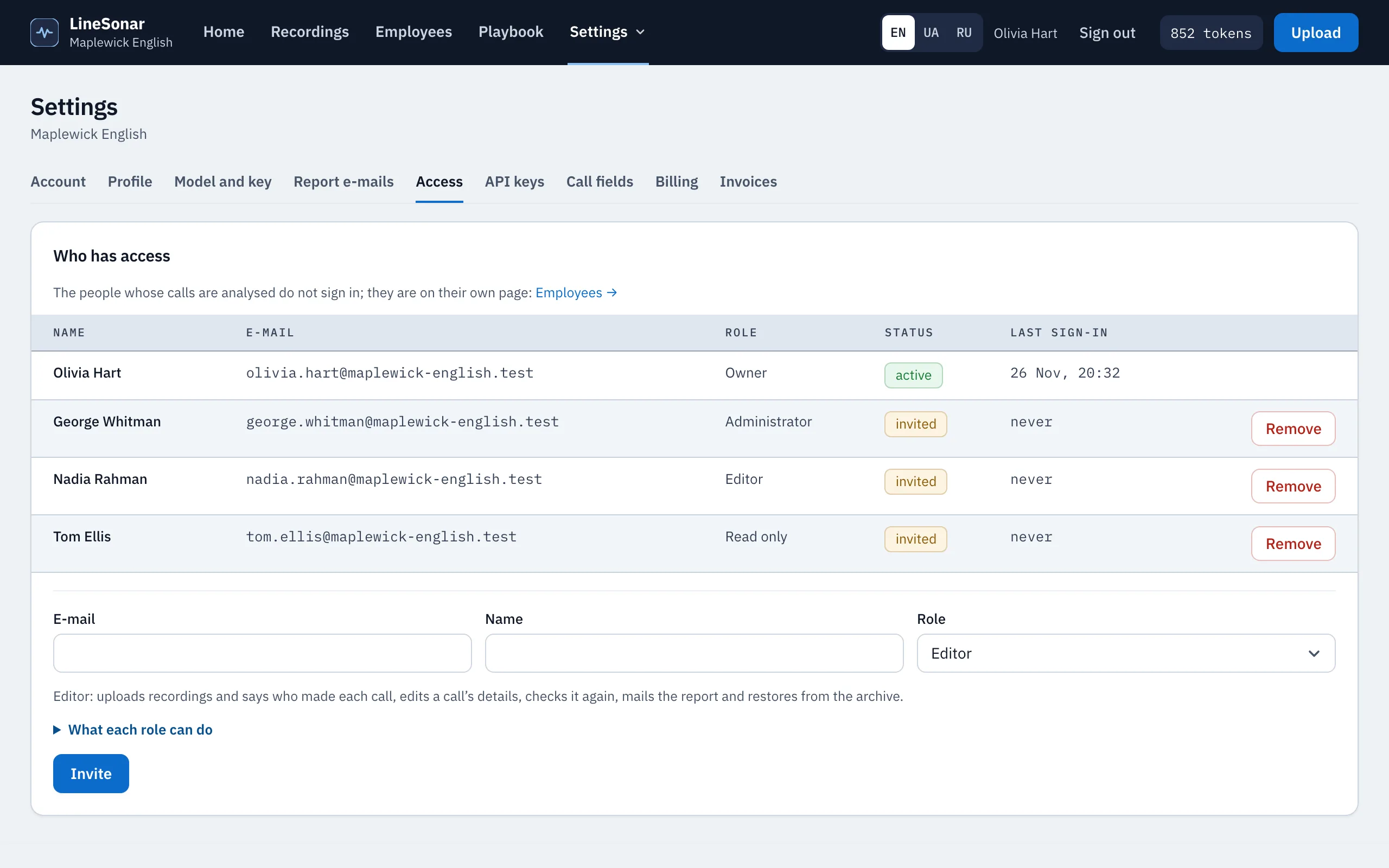
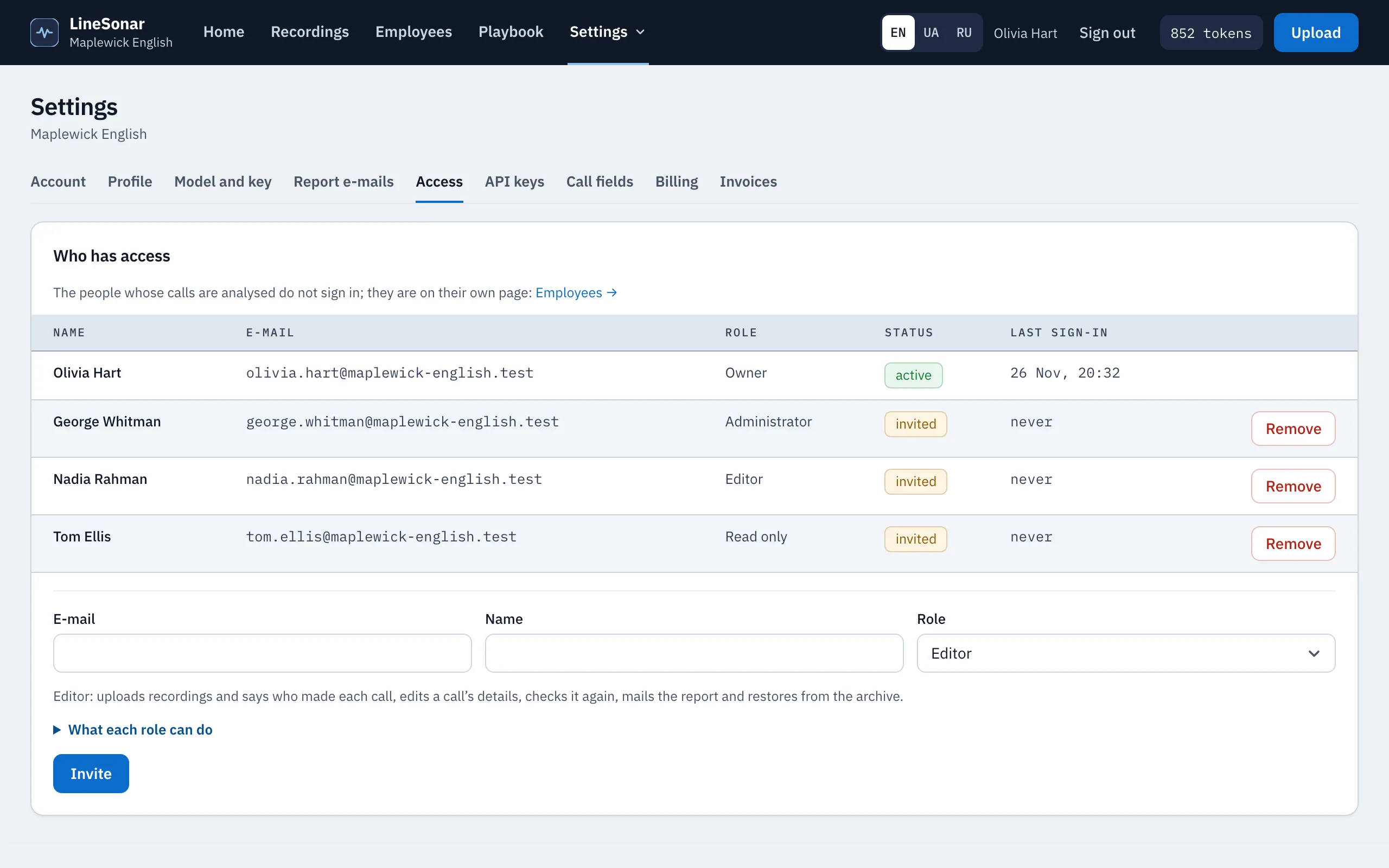
Who has access lists everyone who signs in, with their role and their last sign-in.
-
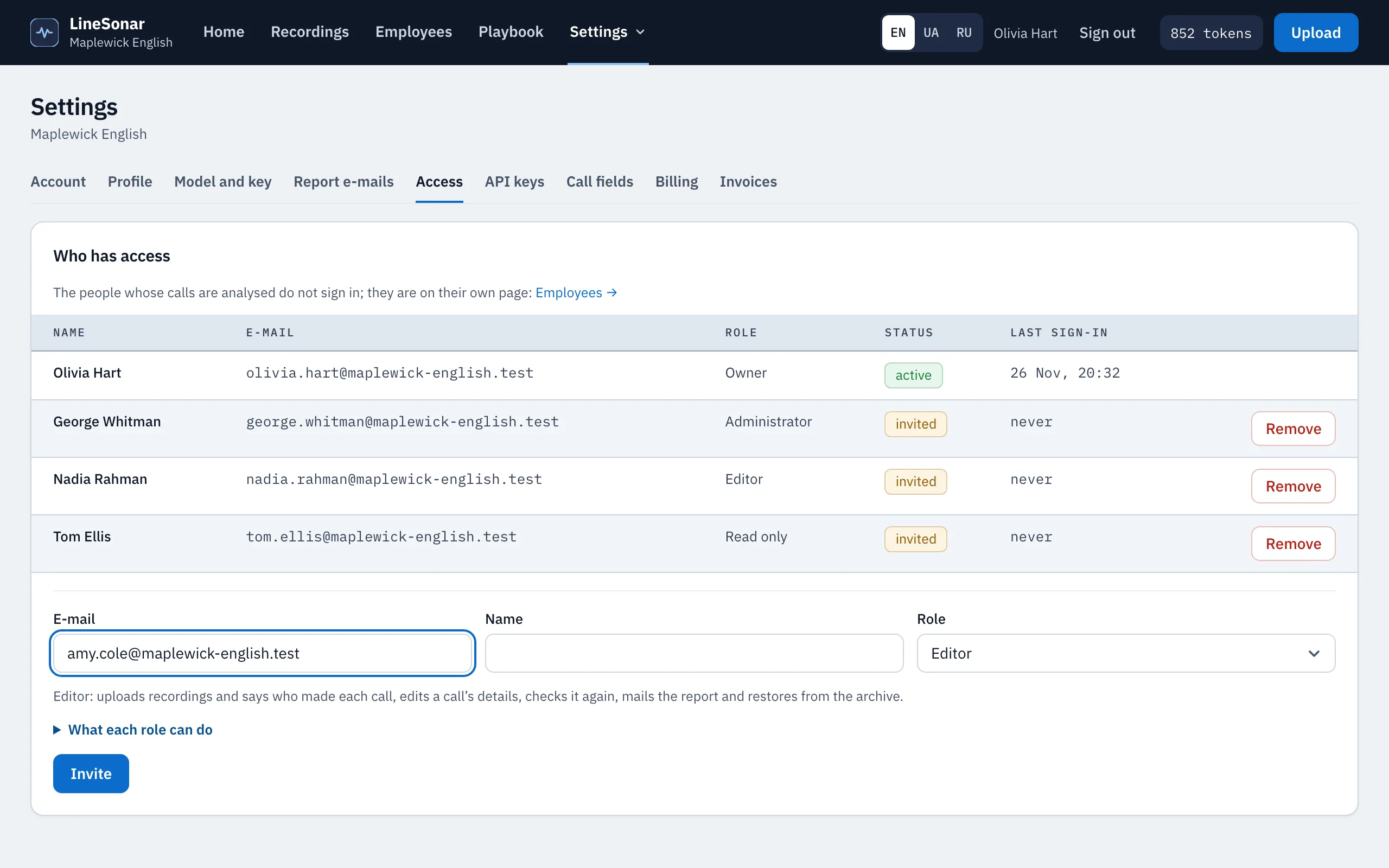
To invite a colleague, type their e-mail,
-
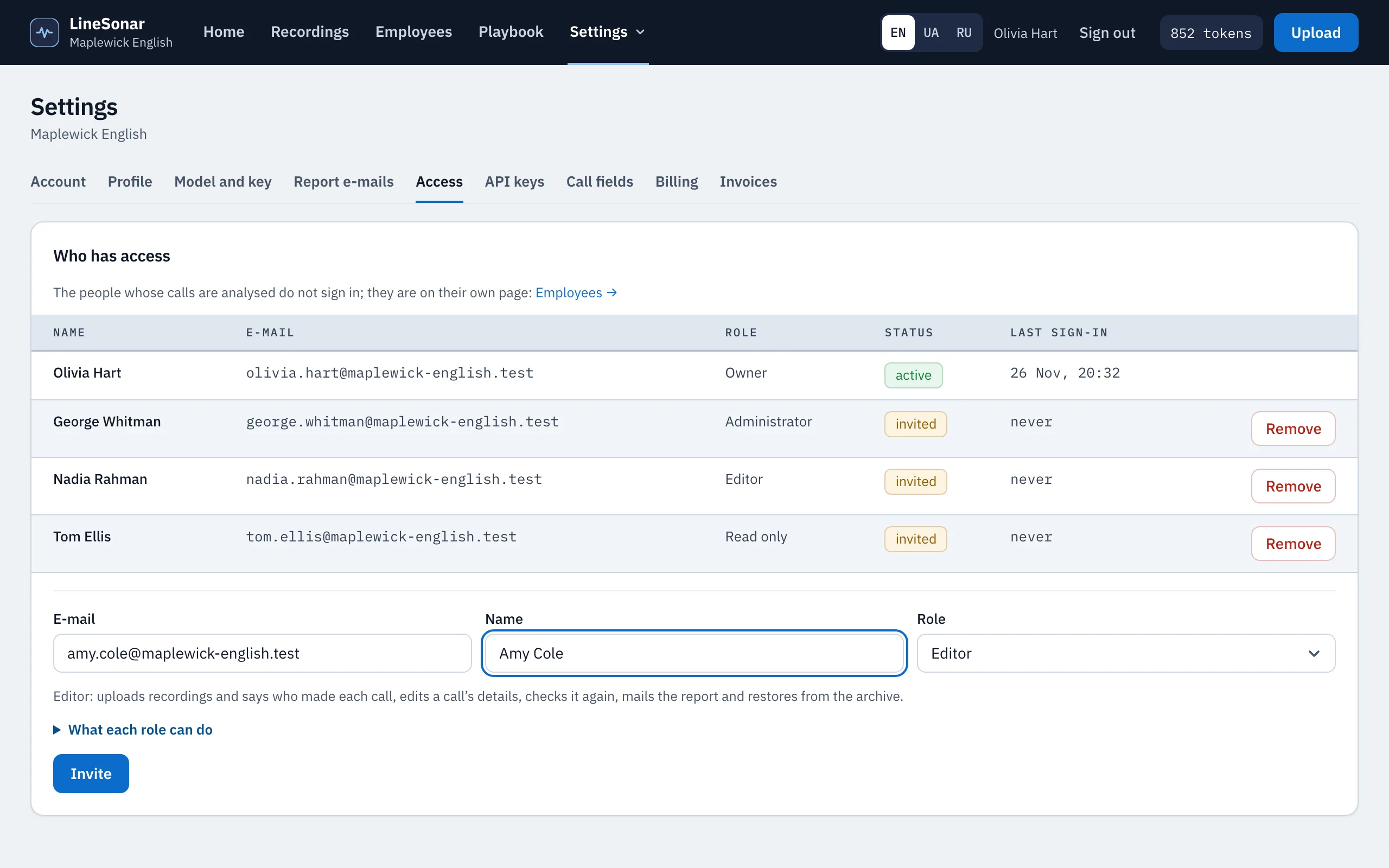
and their name.
-
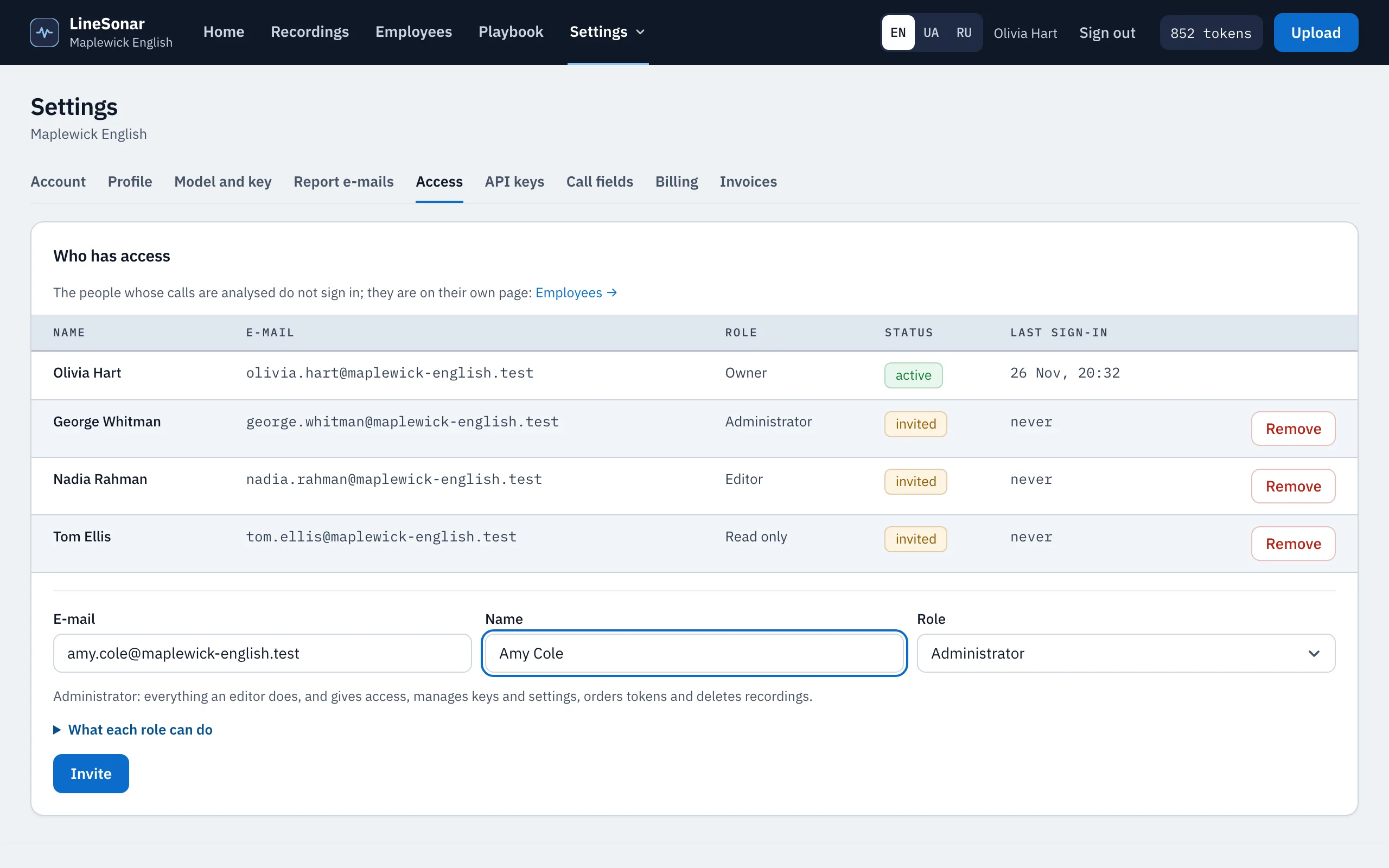
Choose the role. The line below says what it allows.
-
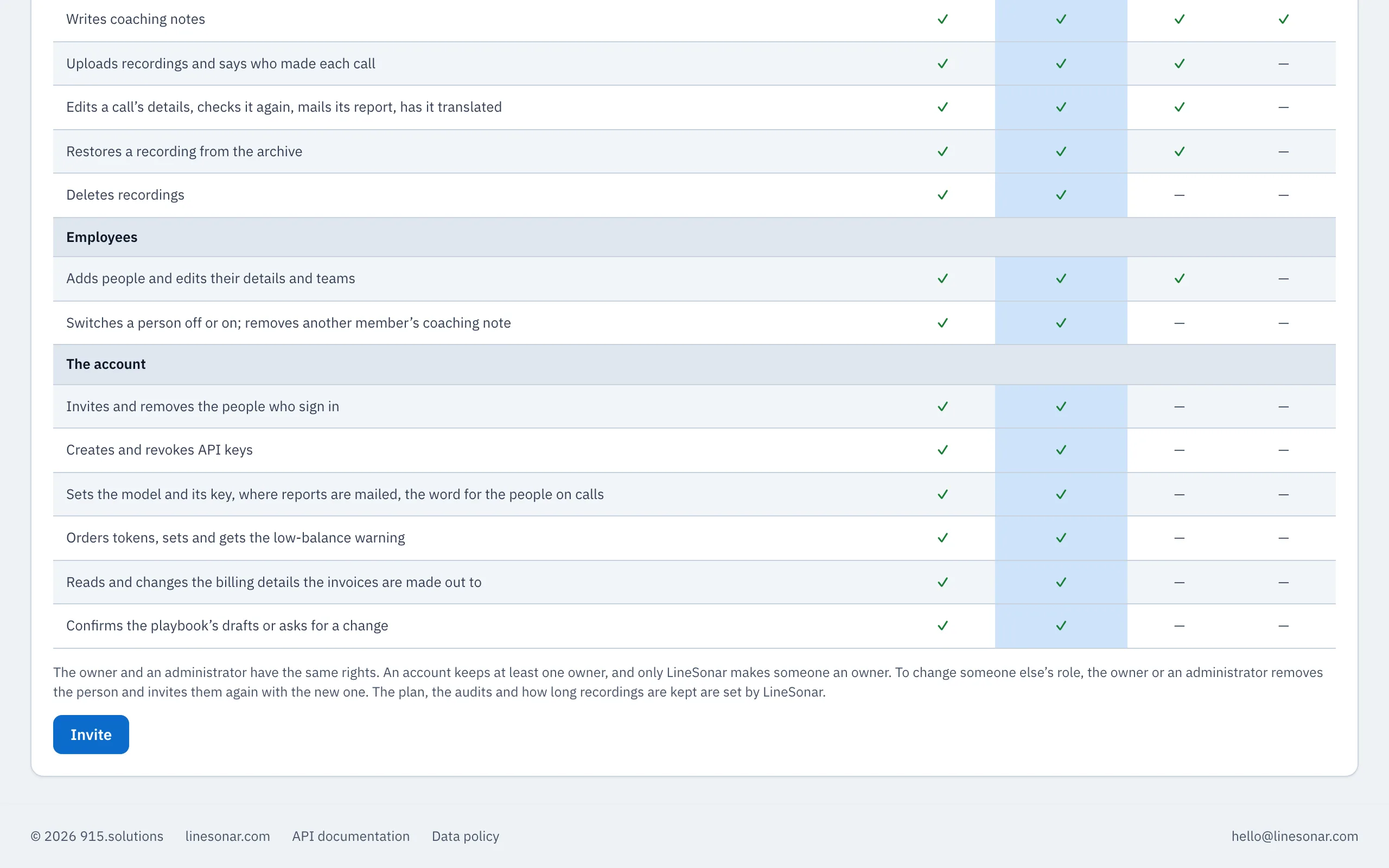
What each role can do sets the roles side by side.
-
Click Invite. Your colleague gets an e-mail with a link to sign up. Someone who already has a LineSonar password is added at once.
-
They show as invited until they sign in. Remove takes the access away.